

This page allows you to set up texts and styles for the cancellation pop-up in Sublium Subscriptions.
To access, navigate to Sublium Subscriptions ⇒ Cancellation Flow ⇒Settings.
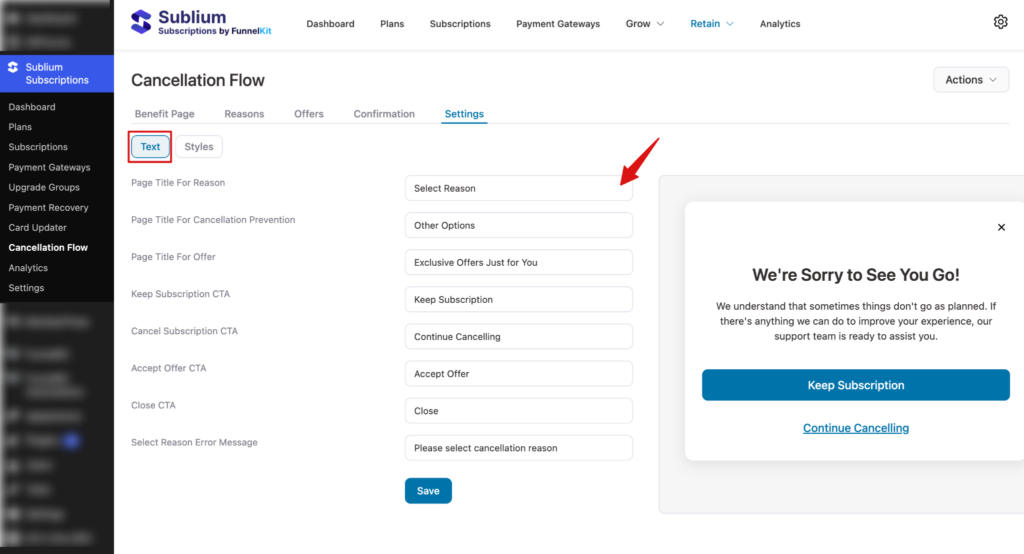
Here, you can set up both texts and styles.
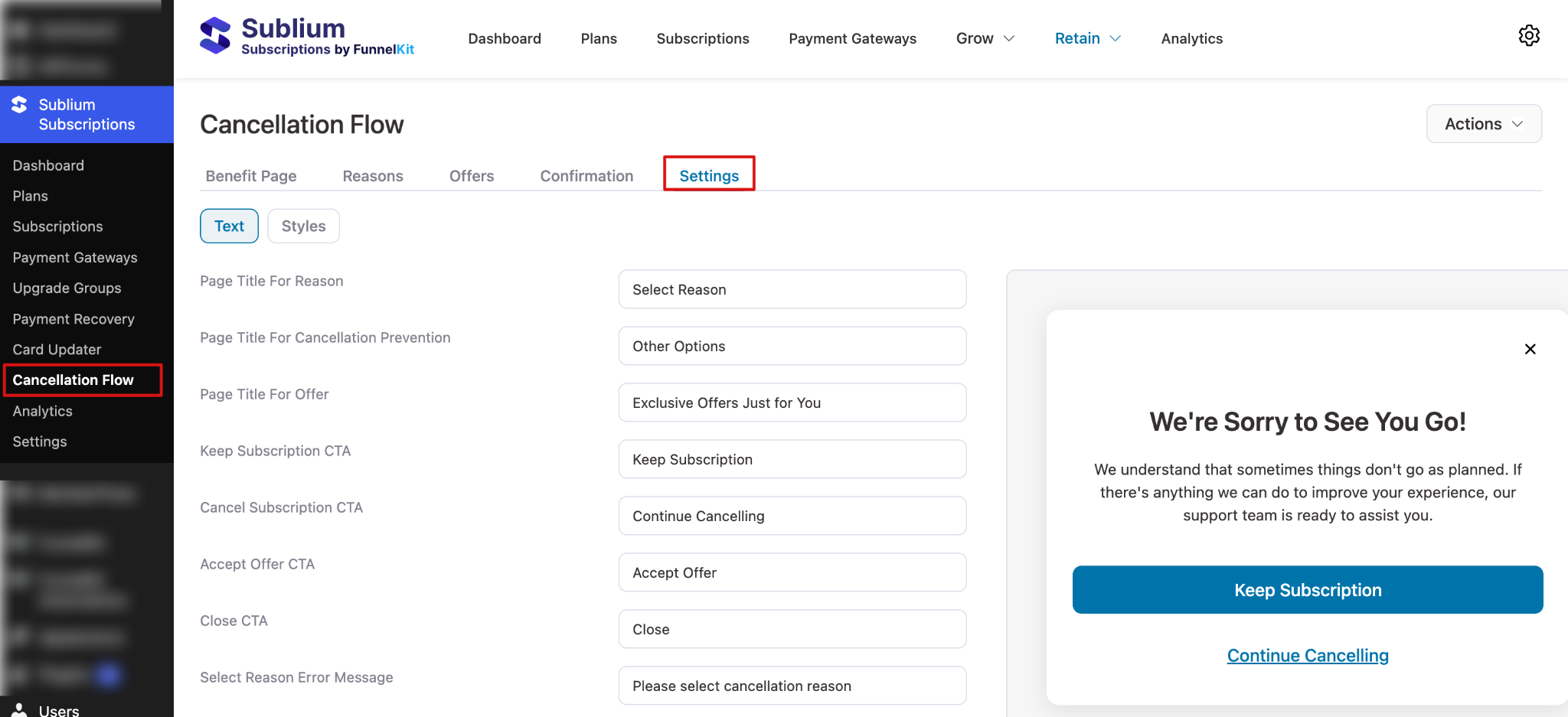
Texts
In this texts tab, configure the following:
- Page Title for Reason – Sets the heading shown on the reason selection page. Default value: Select Reason
- Page Title for Cancellation Prevention – Sets the heading shown on the cancellation prevention page. Default value: Other Options
- Page Title for Offer – Sets the heading shown on the offer page. Default value: Exclusive Offers Just for You
- Keep Subscription CTA – Sets the call-to-action button text for keeping the subscription. Default value: Keep Subscription
- Cancel Subscription CTA – Sets the call-to-action button text to continue cancellation. Default value: Continue Cancelling
- Accept Offer CTA – Sets the call-to-action button text for accepting an offer. Default value: Accept Offer
- Close CTA – Sets the call-to-action button text to close the screen or popup. Default value: Close
- Select Reason Error Message – Sets the error message shown when no reason is selected. Default value: Please select cancellation reason
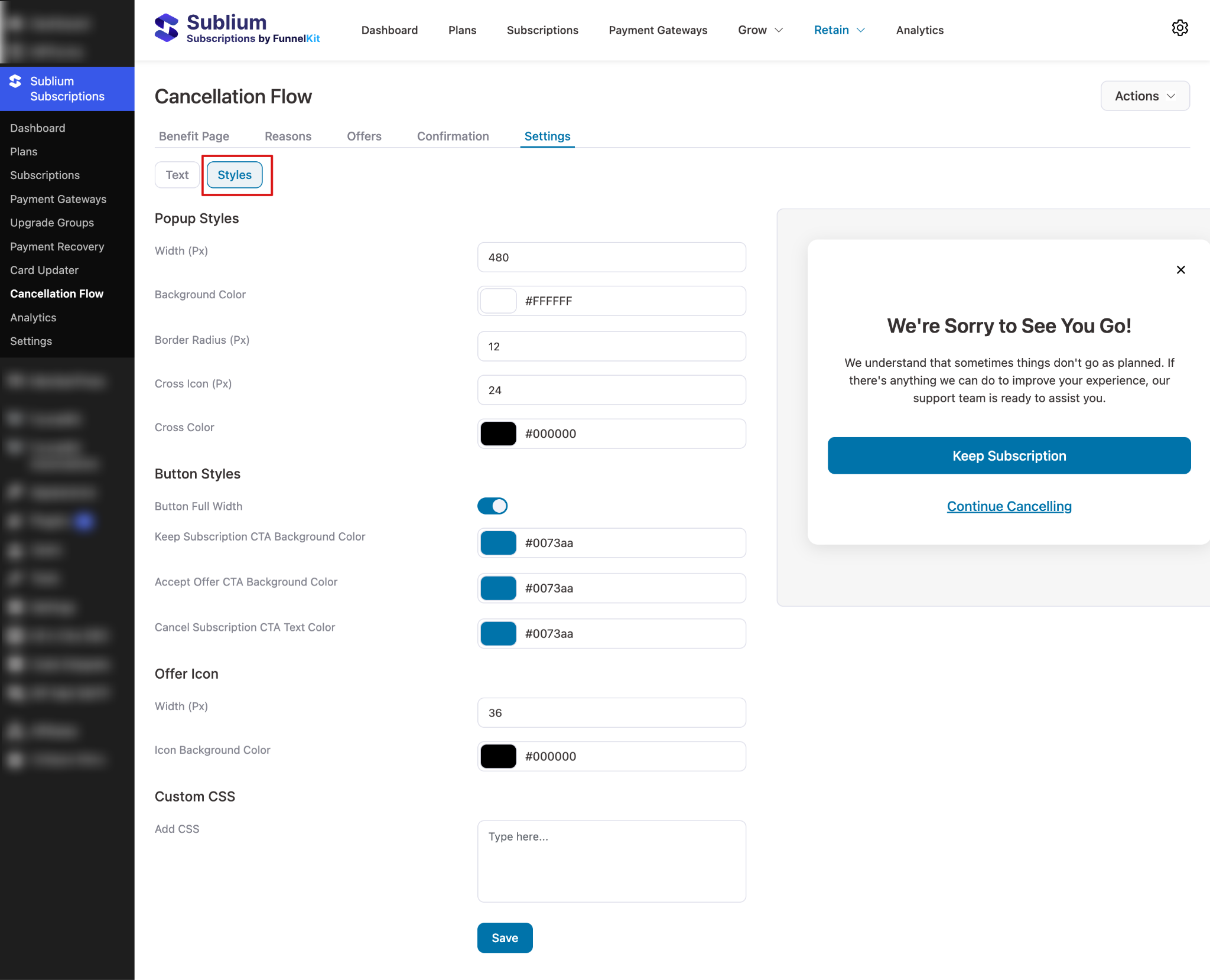
Styles
Move to the style tab to configure the following:
Popup Styles
- Width (px) – Sets the width of the popup container. Default value: 480
- Background Color – Sets the popup background color. Default value: #FFFFFF
- Border Radius (px) – Controls the roundness of popup corners. Default value: 12
- Cross Icon (px) – Sets the size of the close (X) icon. Default value: 24
- Cross Color – Sets the color of the close (X) icon. Default value: #000000
Button Styles
- Button Full Width – Enables full-width buttons inside the popup. Default value: Disabled
- Keep Subscription CTA Background Color – Sets the background color of the Keep Subscription button. Default value: #0073aa
- Accept Offer CTA Background Color – Sets the background color of the Accept Offer button. Default value: #0073aa
- Cancel Subscription CTA Text Color – Sets the text color of the Cancel Subscription button. Default value: #0073aa
Offer Icon
- Width (px) – Sets the width of the offer icon. Default value: 36
- Icon Background Color – Sets the background color of the offer icon. Default value: #000000
Custom CSS
- Add CSS – Allows you to add custom CSS to further style the popup. Default value: Empty
Make sure to hit Save.


