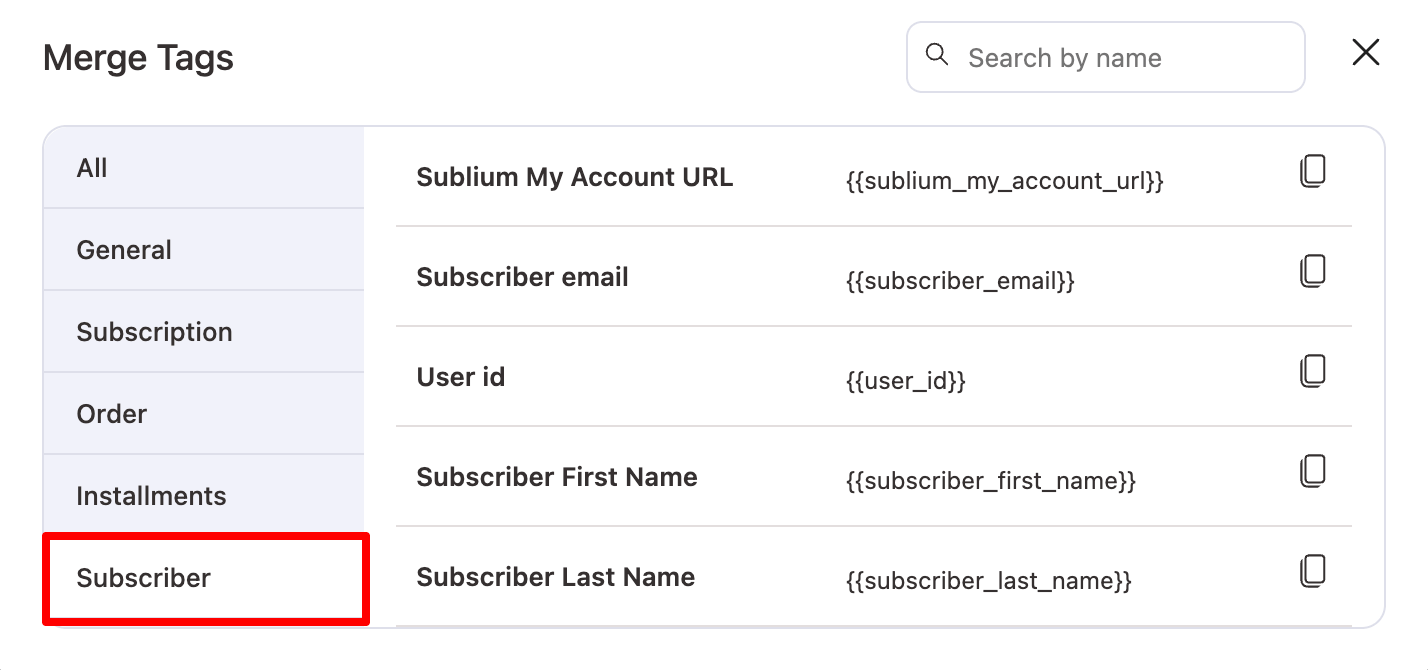
Merge tags in Sublium help you to add dynamic information to your email subject, preview, and body content.

Here are the merge tags available for different purposes:
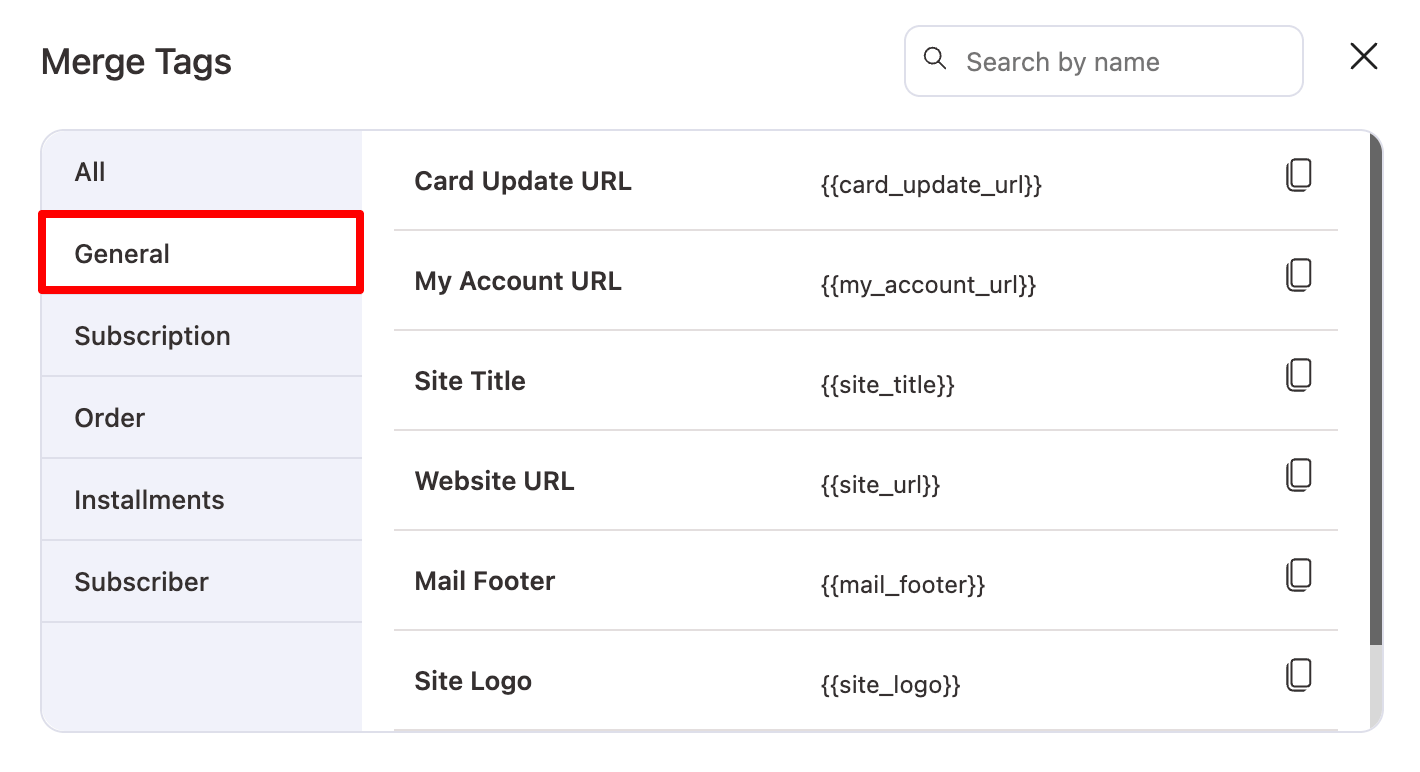
General Merge Tags
Available in all email types.
| Merge Tag | Value |
| {{my_account_url}} | WooCommerce My Account page URL. |
| {{site_title}} | Website title. |
| {{site_url}} | Website homepage URL. |
| {{mail_footer}} | Email footer text from settings. |
| {{site_logo}} | Logo used in email templates. |
| {{admin_email}} | Store admin email address. |
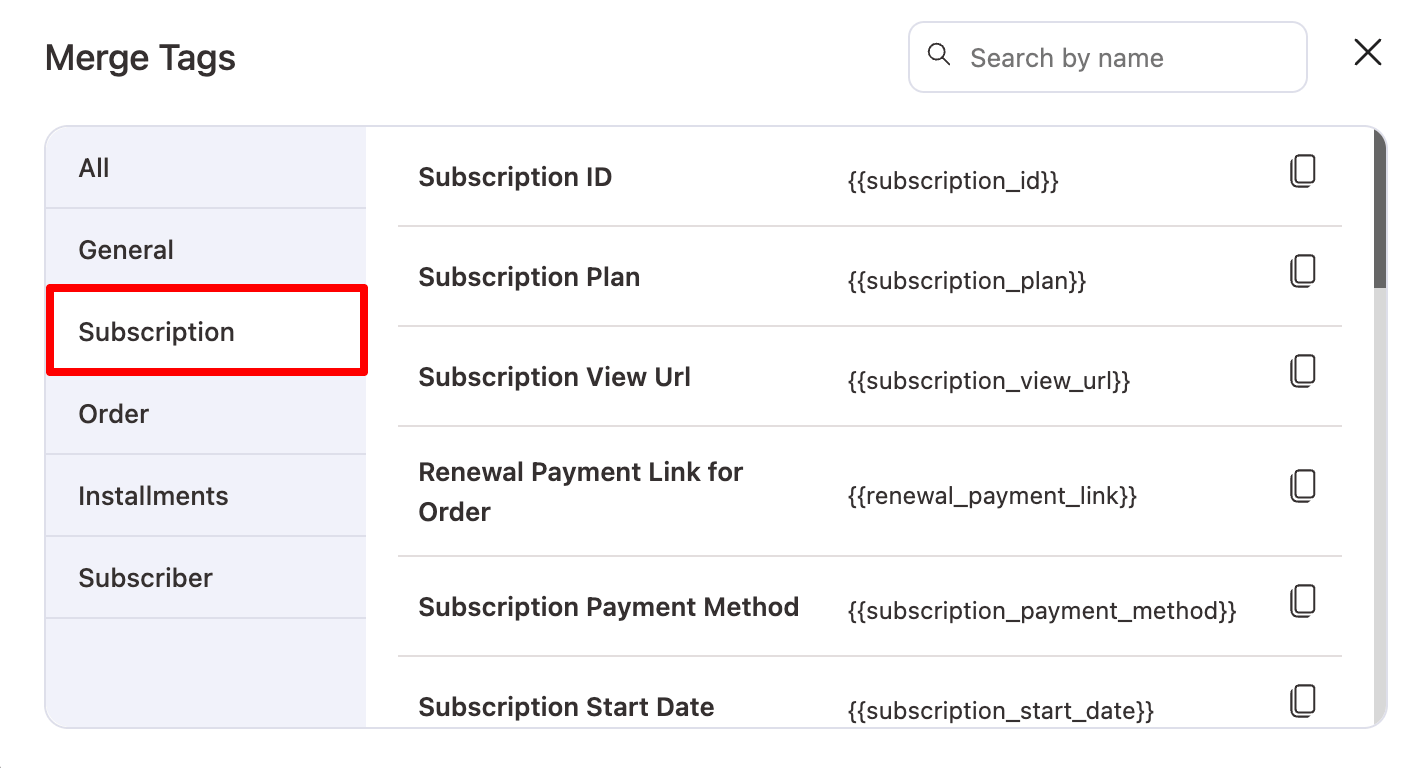
Subscription Merge Tags
Available only inside subscription-related email notifications.
| Merge Tag | Value |
| {{subscription_end_date}} | Subscription end date. |
| {{subscription_status}} | Current subscription status. |
| {{subscription_total}} | Total subscription amount. |
| {{subscription_info}} | Detailed subscription information block. |
| {{subscription_last_payment_date}} | Date of the last subscription payment. |
| {{subscription_next_payment_date}} | Next scheduled renewal date. |
| {{expire_card_last4_digit}} | Last 4 digits of the saved payment card. |
| {{card_type}} | Payment card type (Visa, Mastercard, etc). |
| {{expire_card_month}} | Card expiry month. |
| {{expire_card_year}} | Card expiry year. |
| {{subscription_item}} | List of items included in the subscription. |
| {{order_currency}} | Currency used in the subscription. |
| {{subscription_billing_address}} | Subscription billing address. |
| {{subscription_billing_company}} | Billing company name. |
| {{subscription_shipping_address}} | Subscription shipping address. |
| {{subscription_trial_end_date}} | Subscription trial end date. |
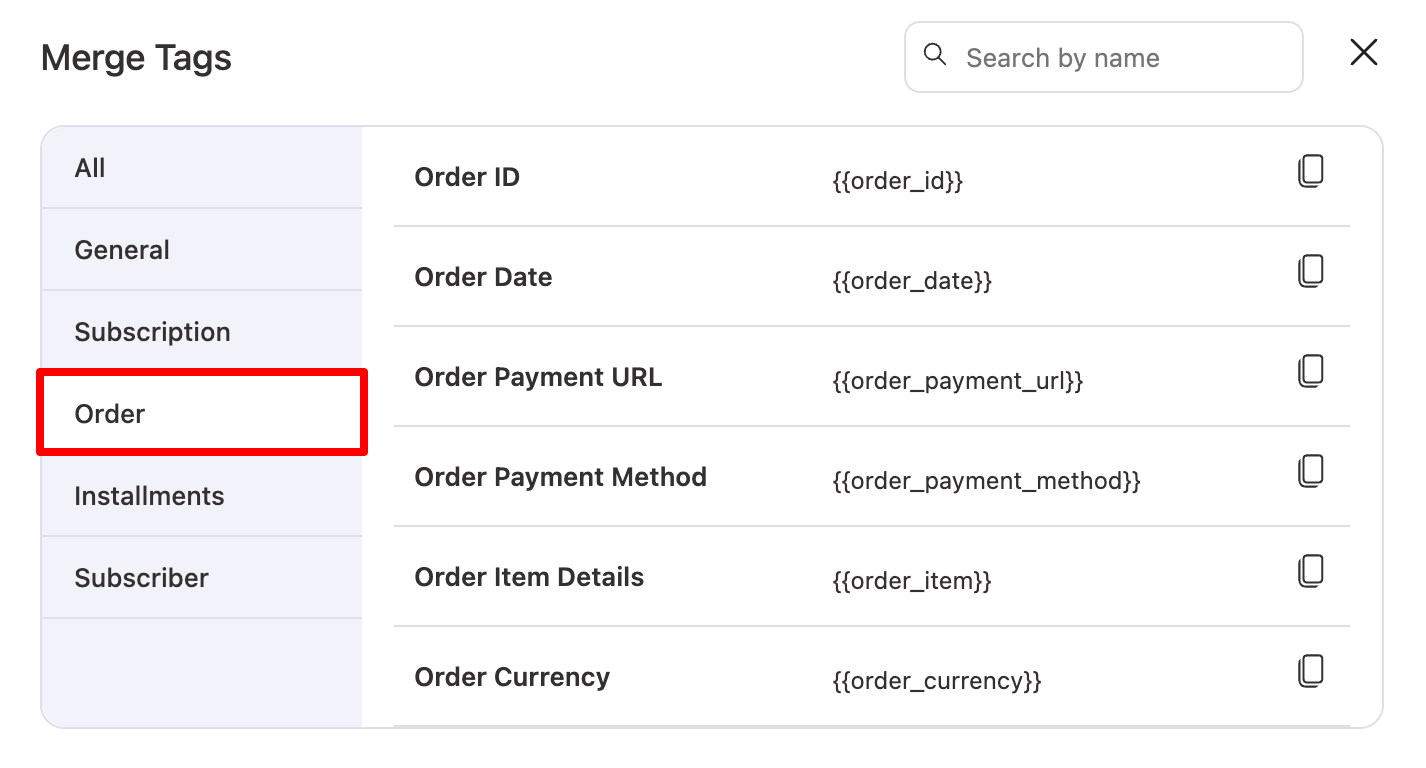
Order Merge Tags
Available in both subscription and installment notifications.
| Merge Tag | Value |
| {{order_id}} | ID of the related order. |
| {{order_date}} | Order creation date. |
| {{order_payment_url}} | URL to complete or retry payment. |
| {{order_payment_method}} | Payment method used for the order. |
| {{order_item}} | List of order items. |
| {{order_currency}} | Currency of the order. |
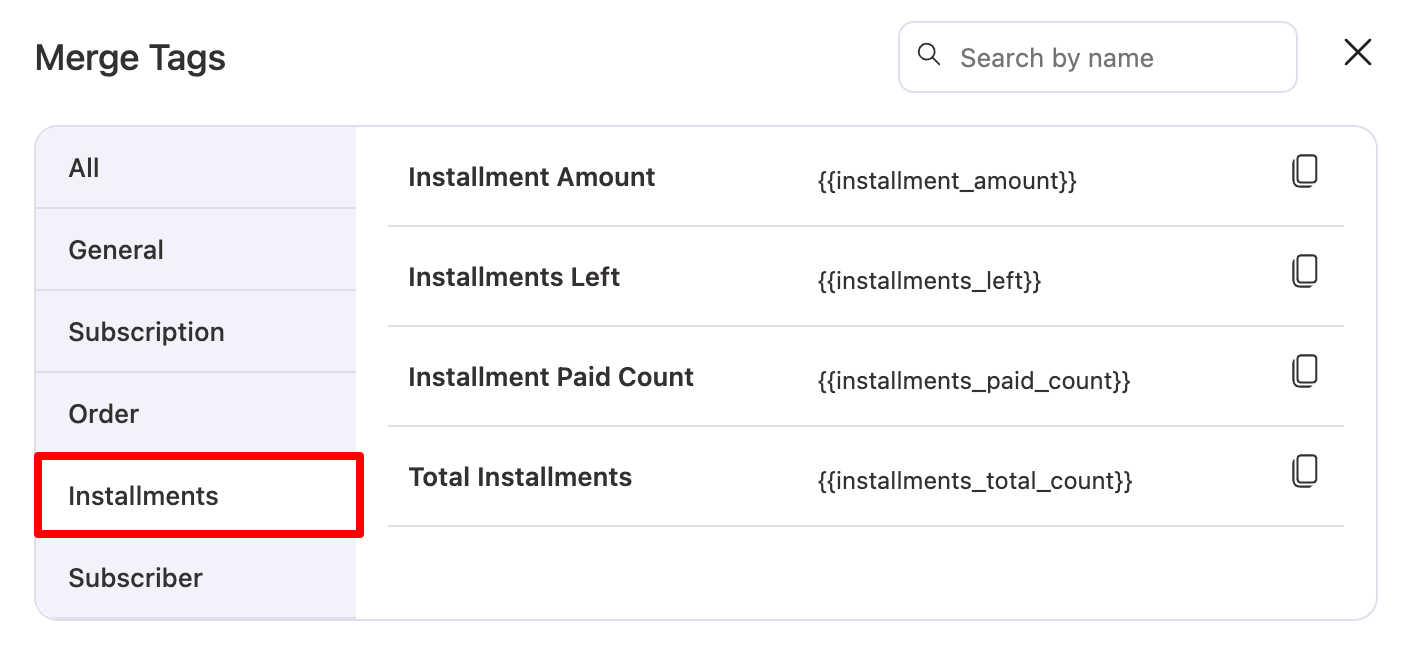
Installment Merge Tags
Available only inside installment notifications.
| Merge Tag | Value |
| {{installment_amount}} | Amount due for the current installment. |
| {{installments_left}} | Number of installments still remaining. |
| {{installments_paid_count}} | Number of installments already paid. |
| {{installments_total_count}} | Total number of installments in the plan. |
Subscriber Merge Tags
Used in subscription notifications where subscriber data is available.
| Merge Tag | Value |
| {{sublium_my_account_url}} | Sublium Subscription dashboard URL on Woo My Account page. |
| {{subscriber_email}} | Subscriber’s email address. |
| {{user_id}} | WordPress user ID of the subscriber. |
| {{subscriber_first_name}} | Subscriber’s first name. |
| {{subscriber_last_name}} | Subscriber’s last name. |