

Make Plan Switching Effortless with WooCommerce Subscription Upgrades
Sublium allows customers to upgrade, downgrade, or cross-grade instantly with accurate proration and seamless checkout flows without any manual adjustments.
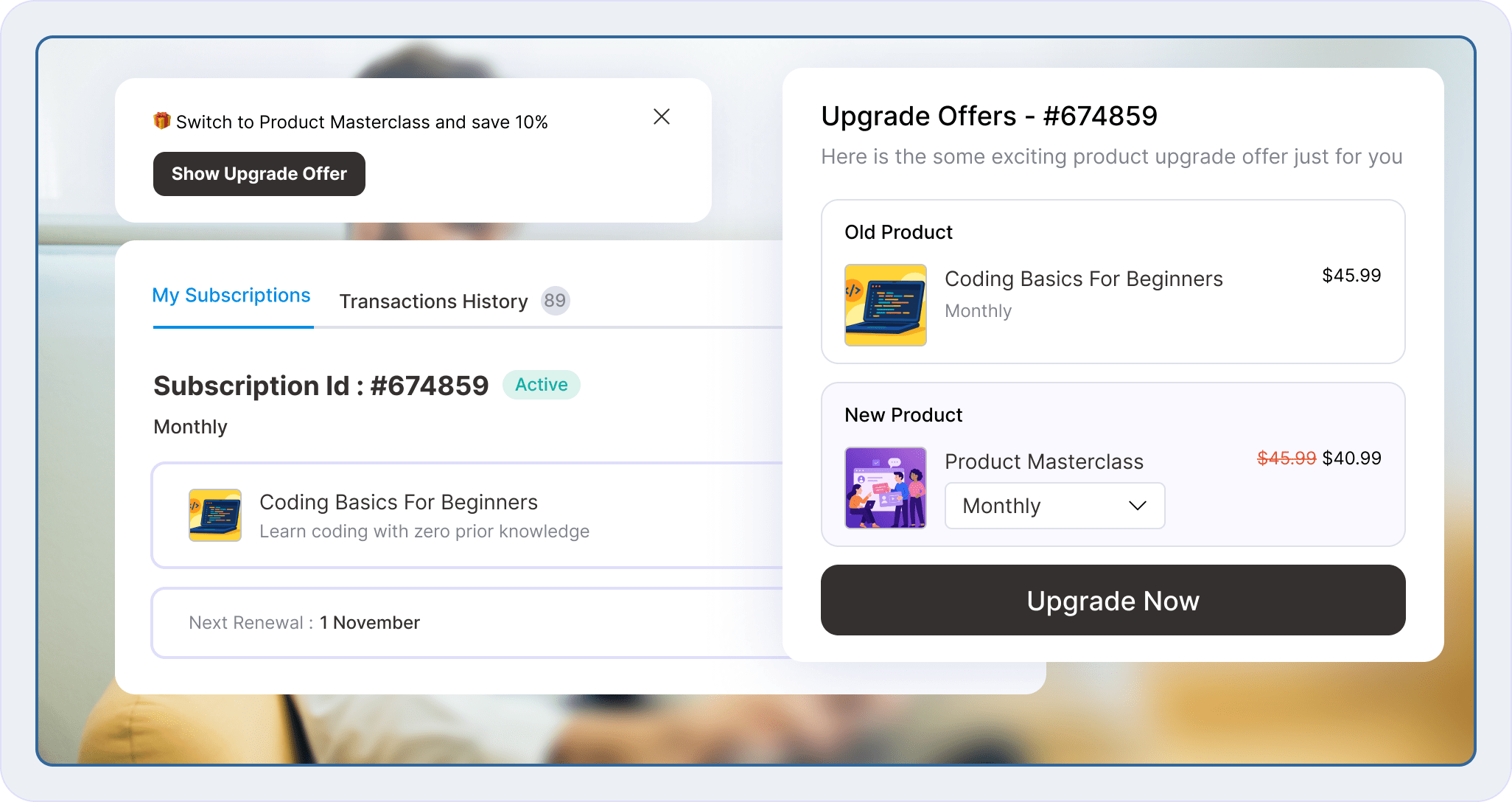
Maximize Revenue with Strategic Subscription Upgrade Offers
Deliver tailored subscription upgrades using discounts, flexible display rules, and incentives to switch plans.
Define Flexible Subscription Upgrade Paths
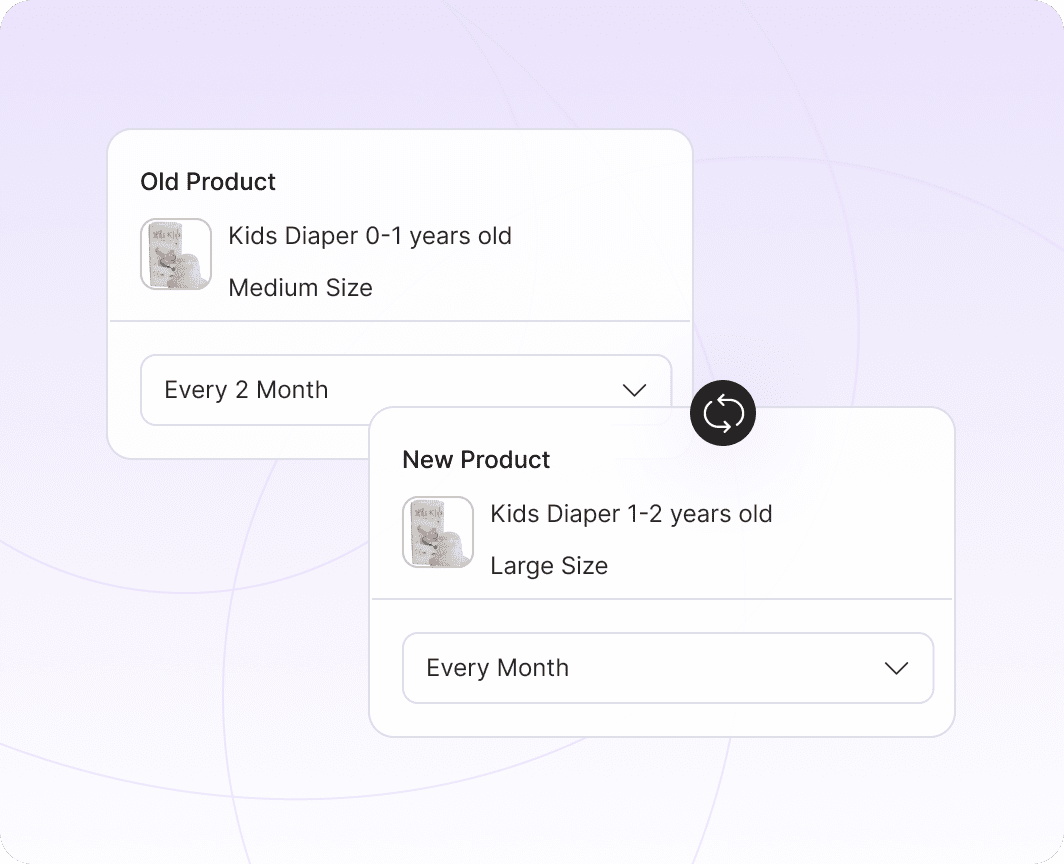
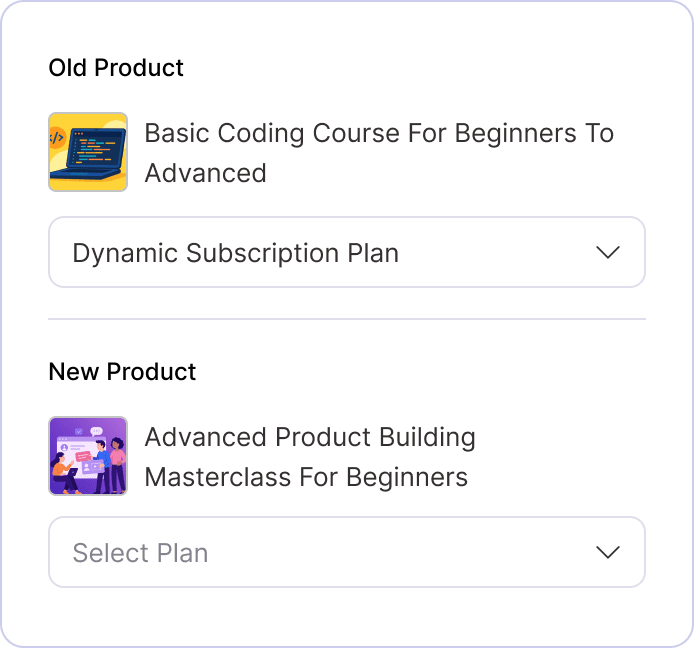
Select which old and new subscription products are compatible, allowing customers to switch seamlessly between tiers. Whether it’s a premium upgrade or a necessary downgrade to prevent churn, Sublium handles the logic.
Set Subscription Upgrade Paths On Products
Apply Discounts on Subscription Upgrades
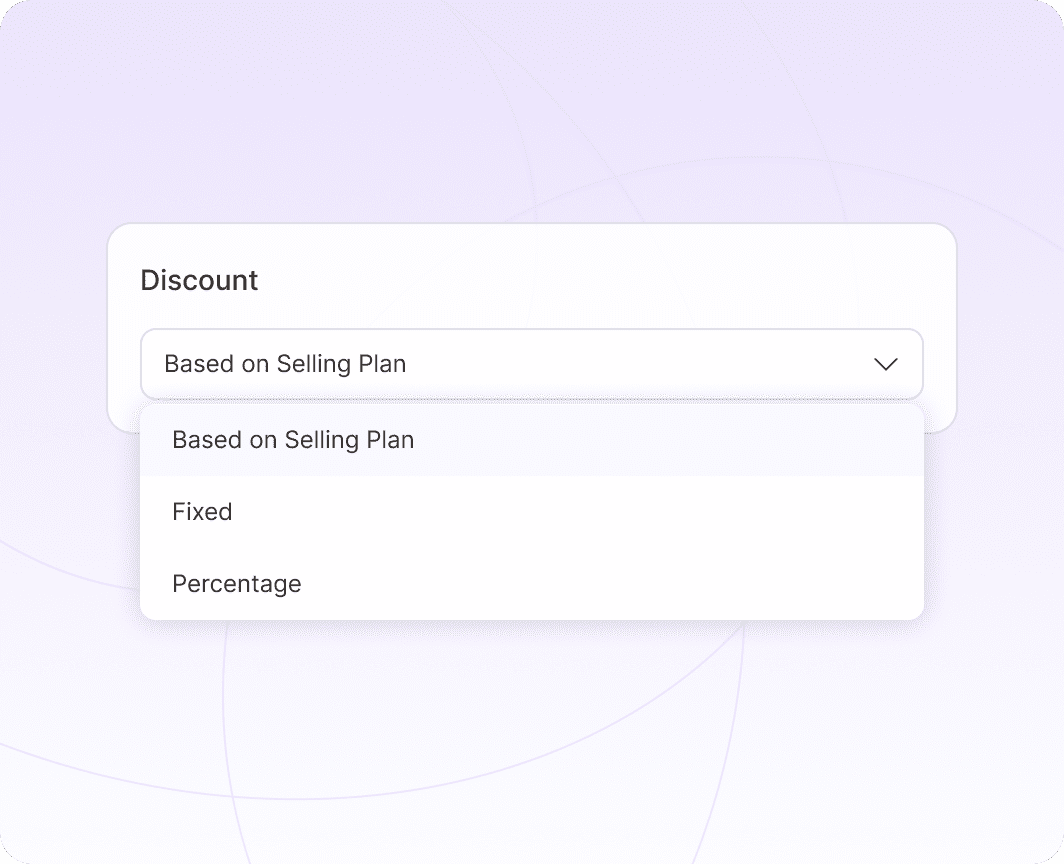
Incentivize Plan Switching with Discounts
Lower the barrier to entry by offering exclusive discounts on subscription plan upgrades. Configure precise eligibility rules to incentivize only the specific switches that drive the most value for your store.
Target the Right User with Conditional Rules
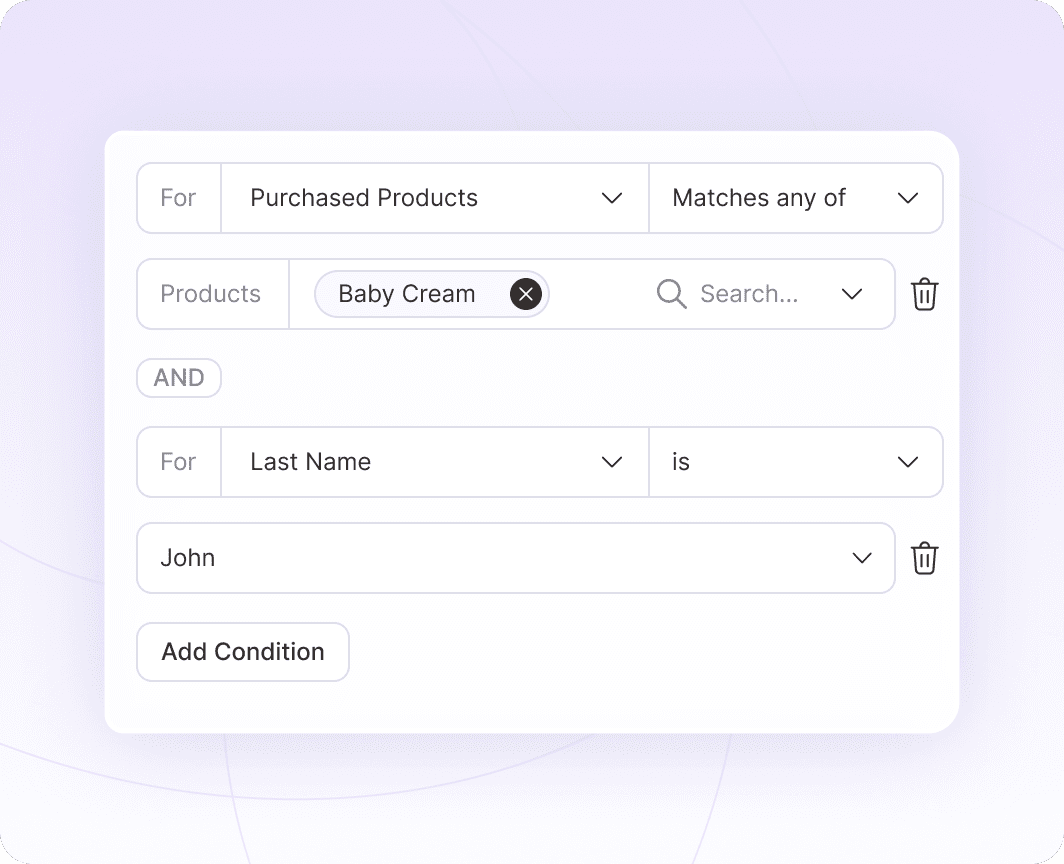
Don’t show every offer to everyone. Configure trigger-based upgrades linked to specific milestones, renewals, or current spending. Use conditional logic to display the most relevant upsell when the user is most engaged.
Add Trigger-Based Subscription Upgrades
Customize Subscription Upgrade Banners
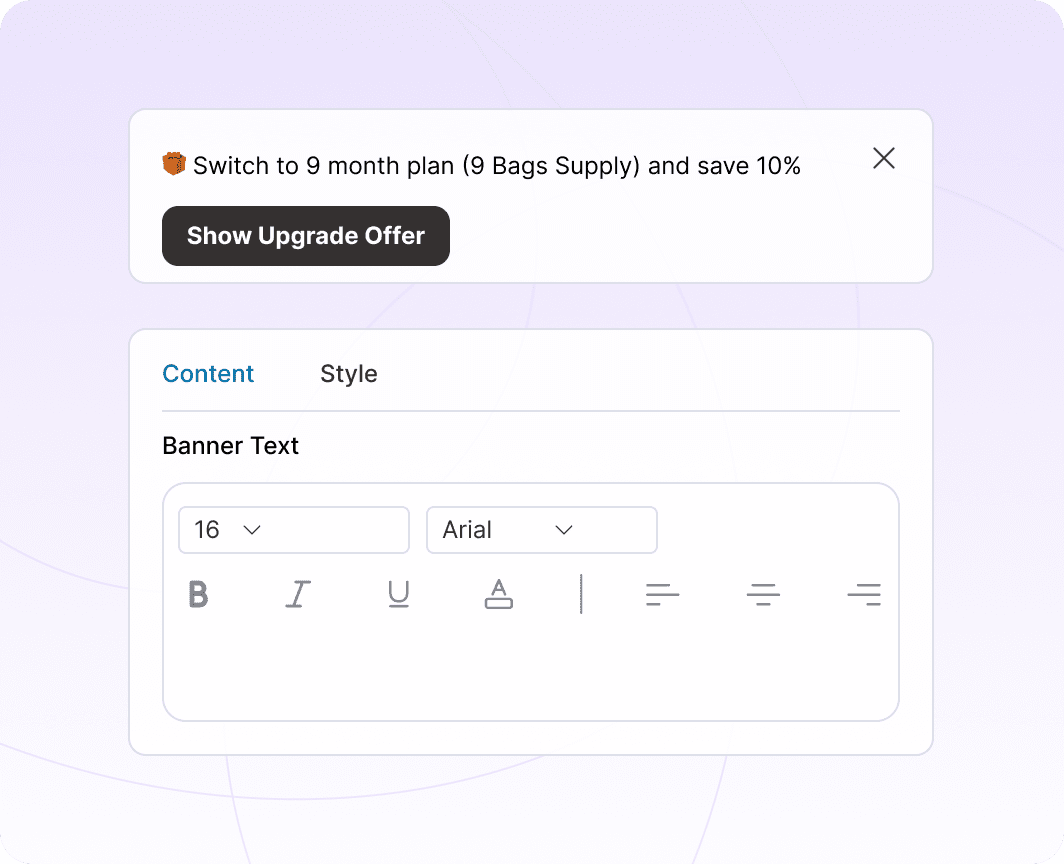
Embed Brand-Matched Upgrade Prompts
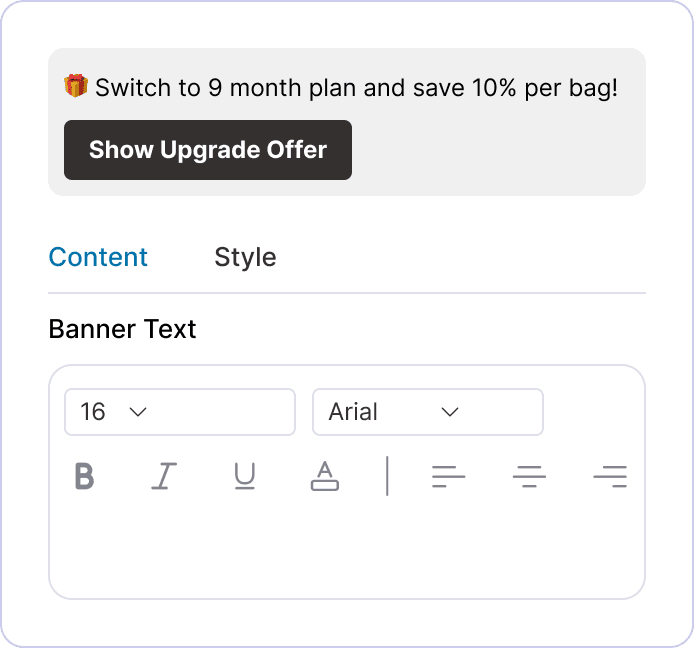
Ditch the generic notices. Enter custom messages on subscription upgrade banners in WooCommerce that match your brand’s voice. Highlight the benefits of the next tier with tailored visuals that encourage immediate action.
Track Upgrade Revenue and Conversion ROI
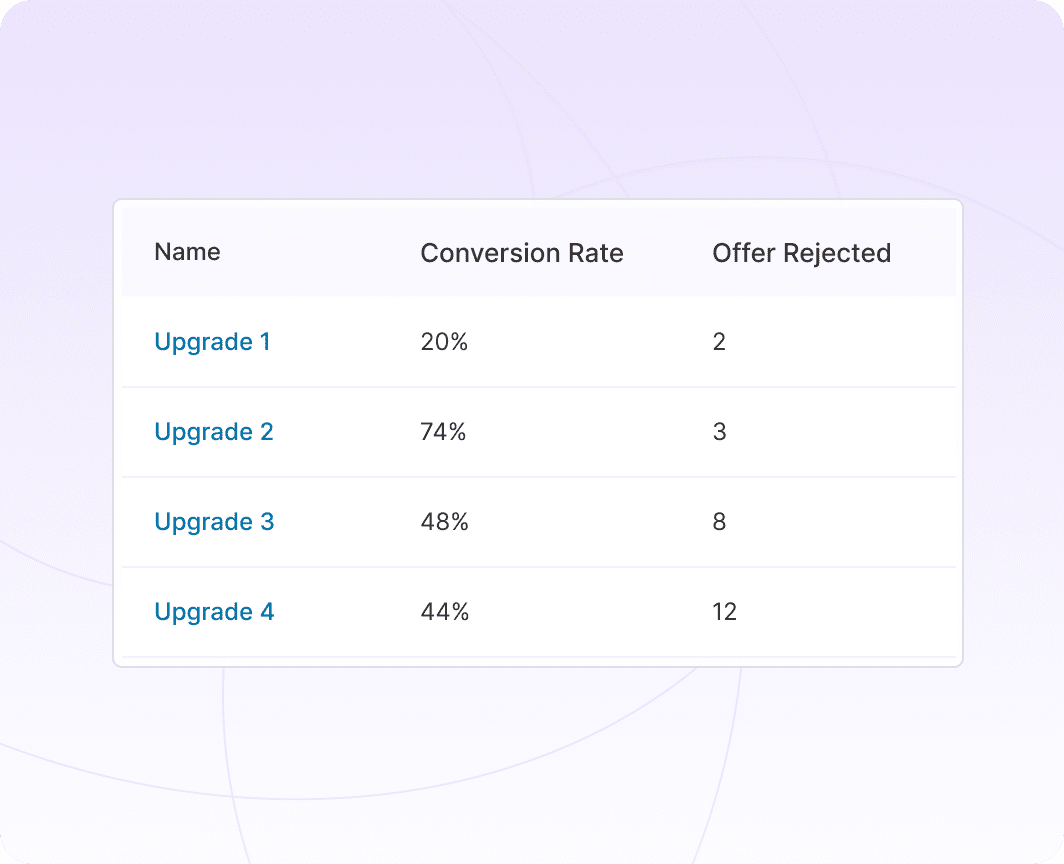
Monitor your WooCommerce subscription upgrade performance with granular analytics. Track exactly how many users switch plans, measure the impact on your MRR, and optimize your offers based on real conversion data.
Track WooCommerce Subscription Upgrades
Key Benefits of Offering WooCommerce Subscription Upgrades
Transform static subscribers into active revenue drivers with Sublium’s seamless subscription switching logic.

Increased Revenue

Improved Customer Satisfaction

Higher Retention Rates

Smarter Customer Segmentation

Greater Product Adoption
Enable WooCommerce Subscription Upgrades in 3 Steps
Stop wrestling with complex settings. Get your upgrade paths live and capture revenue in minutes.
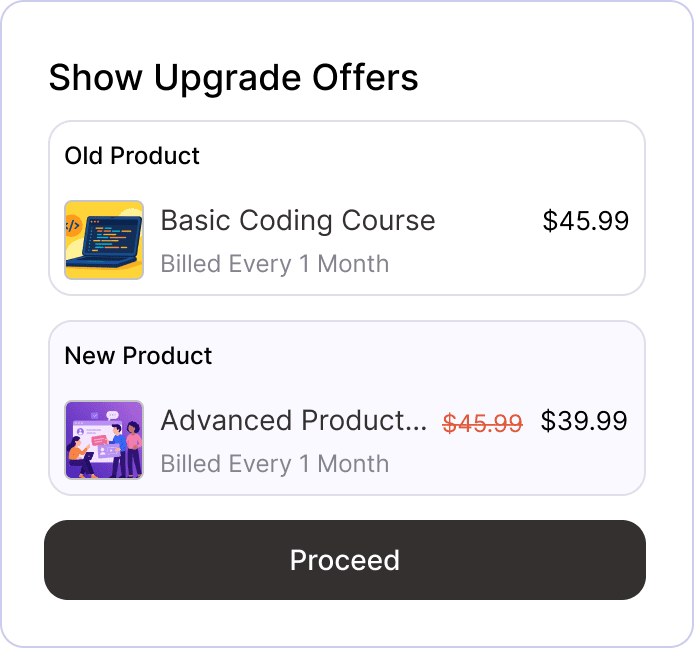
Select Upgrade Path
Customize Upgrade Banner
Display Offer in My Account
Display upgrade offers in the customer’s account to encourage action and boost plan adoption.
Integrate with Major Gateways for Recurring and One-Time Payments



Client Feedback That Speaks for Itself


I run a subscription-based WooCommerce business with over 1,200 active subscribers/subscriptions, so moving from WooCommerce Subscriptions to a new subscription platform was not something I took lightly. This was not a small test site — recurring renewals are a major part of my business, and protecting existing subscribers was my top priority.
The Sublium team handled the migration with a lot of care. They helped review my existing WooCommerce Subscriptions setup, worked through staging-site challenges, tested renewals, upgrades, failed-payment/dunning flows, Stripe, and PayPal, and made sure the migration was handled carefully before moving forward.
What impressed me most was the level of support. Sam, Pratik, and the migration team were responsive, patient, and willing to work through every concern I had. This was extremely important because my existing subscribers are the foundation of my business.
So far, I am very happy with the switch. The product feels like a real step forward for WooCommerce subscription stores, especially if recurring revenue and renewal recovery are important to your business.
Highly recommended for serious WooCommerce subscription businesses.
This plugin is fantastic. It’s a fraction of the cost of the other subscription payment plugins and it has every single feature that I could possibly need. It also has one of the absolute best support and development teams that I have ever encountered in a wordpress plugin. I have sent in a few integration requests and the team built them overnight and implemented them for me. It’s completely unheard of.
I have tried every subscription plugin… for some I have waited a week for support when things broke. I’m so appreciative of Sublium and the team behind it that I upgraded to a package that I don’t even need. This thing is awesome… it’s saving me money while making me money. I can’t recommend it highly enough.
Ready to Grow Faster?
Without Sublium
- Wasting time, increasing errors
- Just basic tools
- Frustrated customers
- No loyalty or engagement
- Poor retention features
Result:
Lose Time and Money

- Increase Repeat Purchases by 20%
With Sublium
- Boost retention
- Consistent growth
- Single powerful solution
- Skip, swap, and reschedule options
- Customer-first portal
Result:
Faster Business Growth
Got Questions? We've Got the Answers!
Here are some of our most frequently asked questions. If your question is not listed here, then please contact us.
Can customers upgrade or downgrade their subscriptions using Sublium?
Can I allow my customers to switch between different subscription products?
Does Sublium calculate prorated charges when upgrading or downgrading?
Can I offer discounts or apply coupons on subscription upgrades?
How does Sublium notify customers about subscription issues or upcoming renewals?
Does Sublium work with all WooCommerce payment gateways?
Can I track revenue, churn, and subscription analytics with Sublium?


Ready to Transform Your Subscriptions?
- Sell physical or digital products on recurring plans
- Offer flexible billing cycles, trials, and discounts
- Automate renewals and reduce churn with dunning management

