

The Subscribers dashboard gives you insights into your subscriber base. It helps you analyze how many subscribers are actively engaged, how many new subscribers you are gaining, and how many subscribers are leaving over time.
This documentation explains how to interpret subscriber metrics, growth, and churn trends on this page.
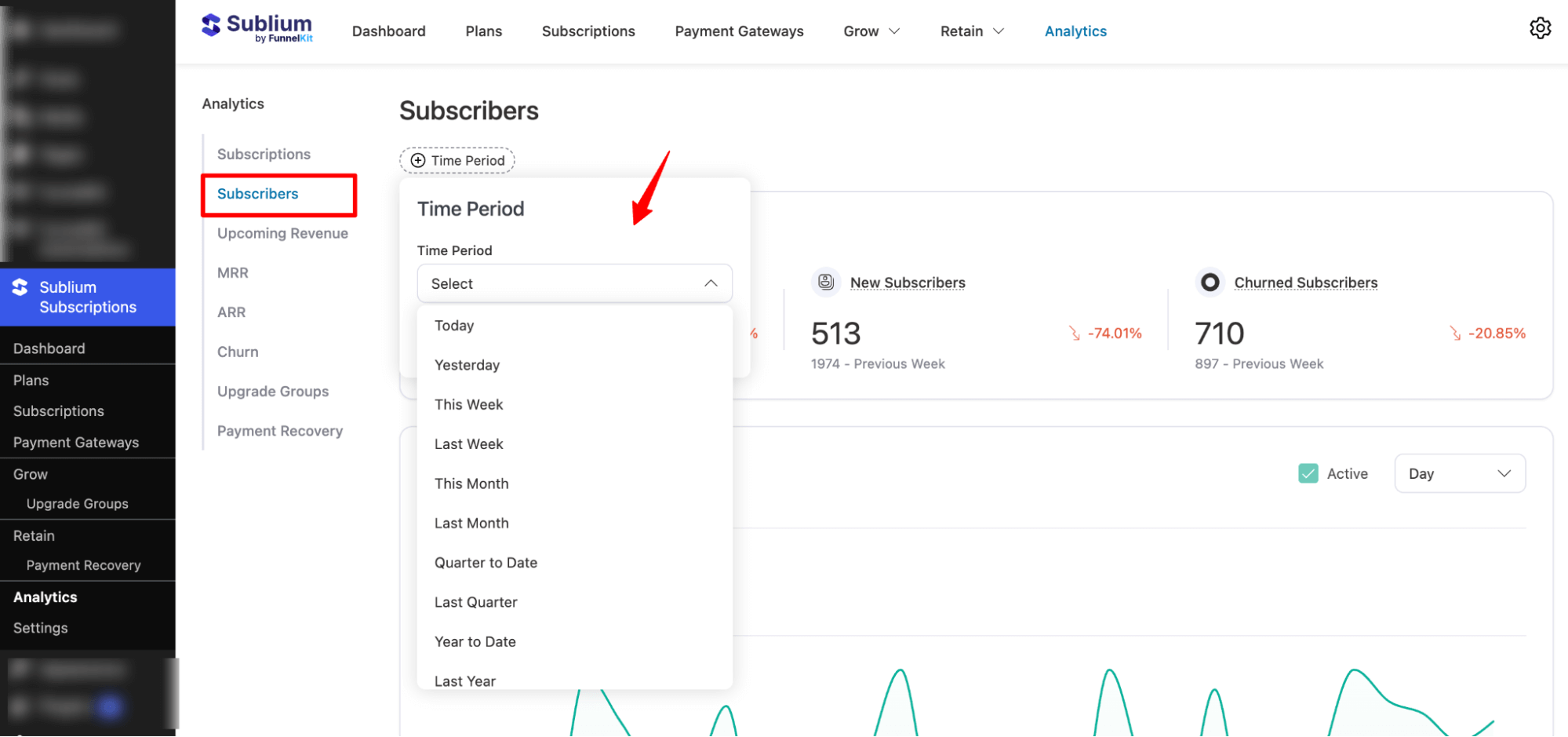
Time Period
You can select the time period for which you want to view subscriber data. Options include:
- Today
- Yesterday
- This Week
- Last Week
- This Month
- Last Month
- Quarter to Date
- Last Quarter
- Year to Date
- Last Year
- On specific date
- Custom range
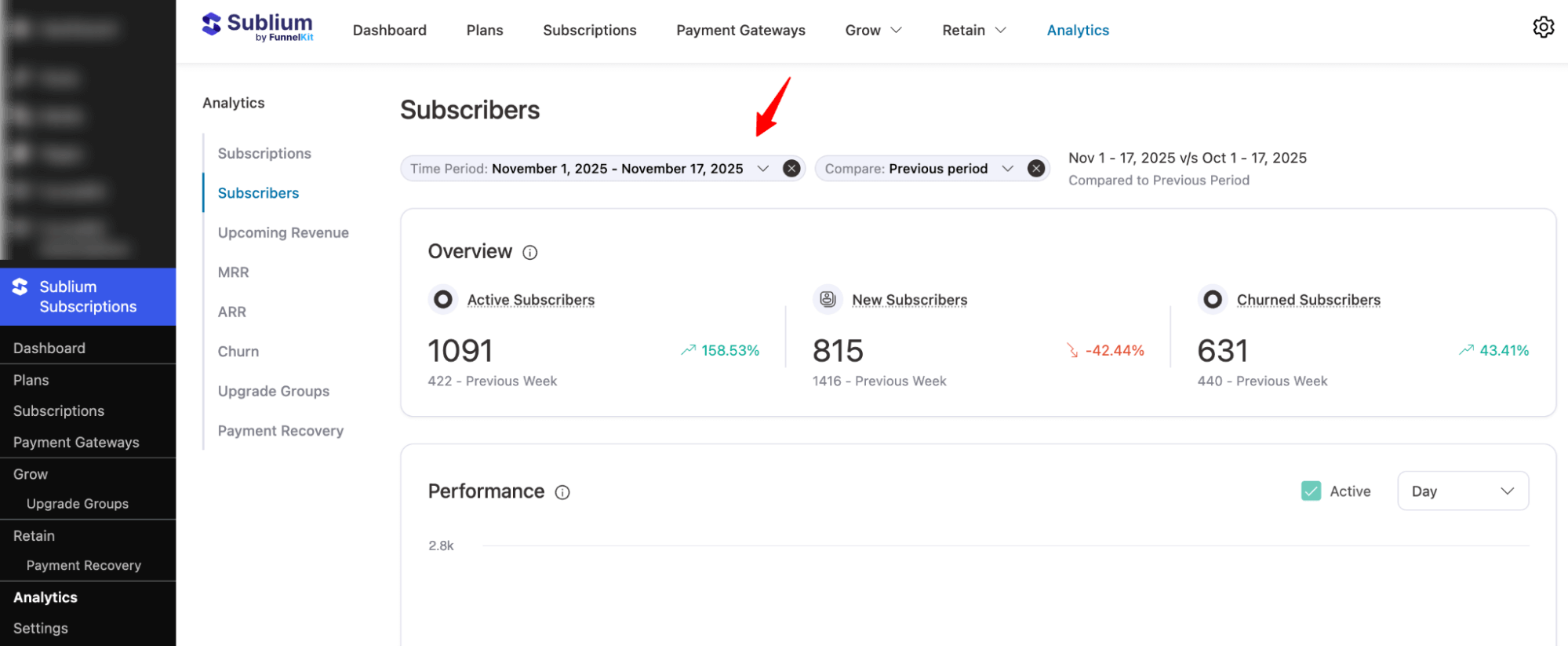
Note: You can also compare subscriber metrics between two date ranges.
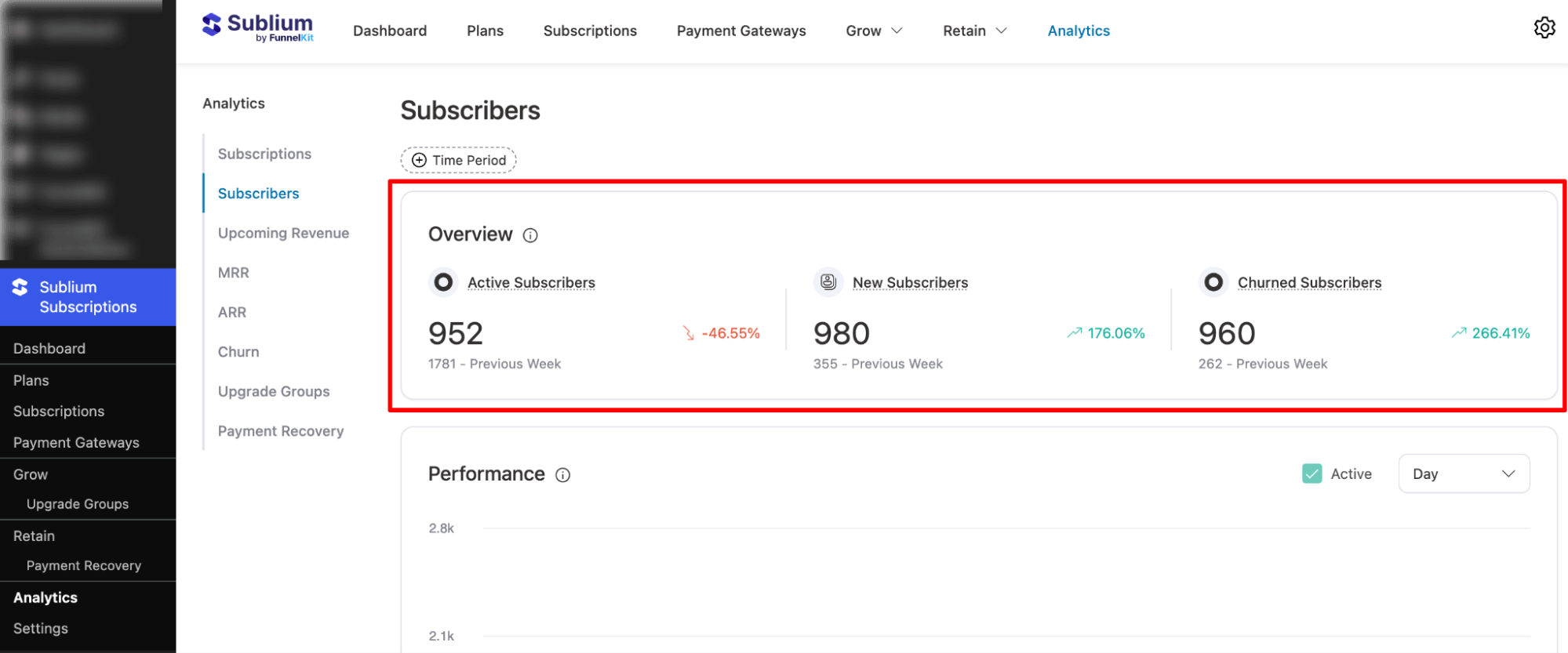
Overview
This section summarizes subscriber activity within the selected period:
- Active Subscribers: Total subscribers currently active.
- New Subscribers: Number of new subscribers added during the selected time period.
- Churned Subscribers: Subscribers who canceled or left during the selected time period.
These metrics help you understand the net change in your subscriber base and track overall growth health.
Performance
This section displays a visual timeline that shows subscriber activity trends over time. It helps you analyze:
- Growth in new subscribers
- Changes in active subscriber count
- Churn trends over the selected timeframe
You can hover over points in the graph to see exact counts for each day or week.
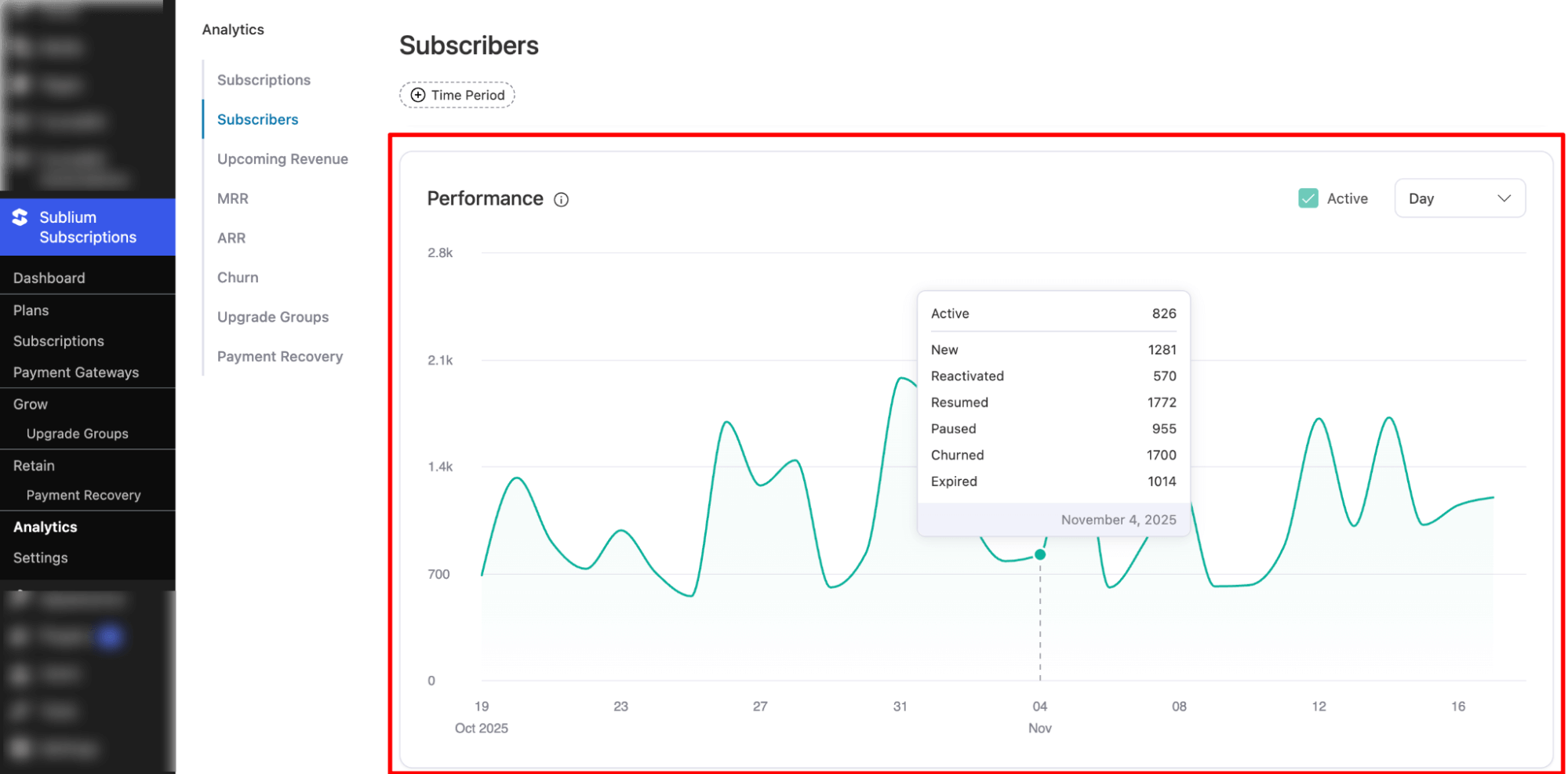
This visual representation is useful for spotting subscriber spikes, drops, and overall engagement patterns.


