

Eliminate Subscription Payment Failures With Instant Card Updates
Let customers update their expired or declined cards in one click, no login required. Sublium’s card updater for WooCommerce removes barriers, recovers lost revenue, and keeps subscriptions active effortlessly.
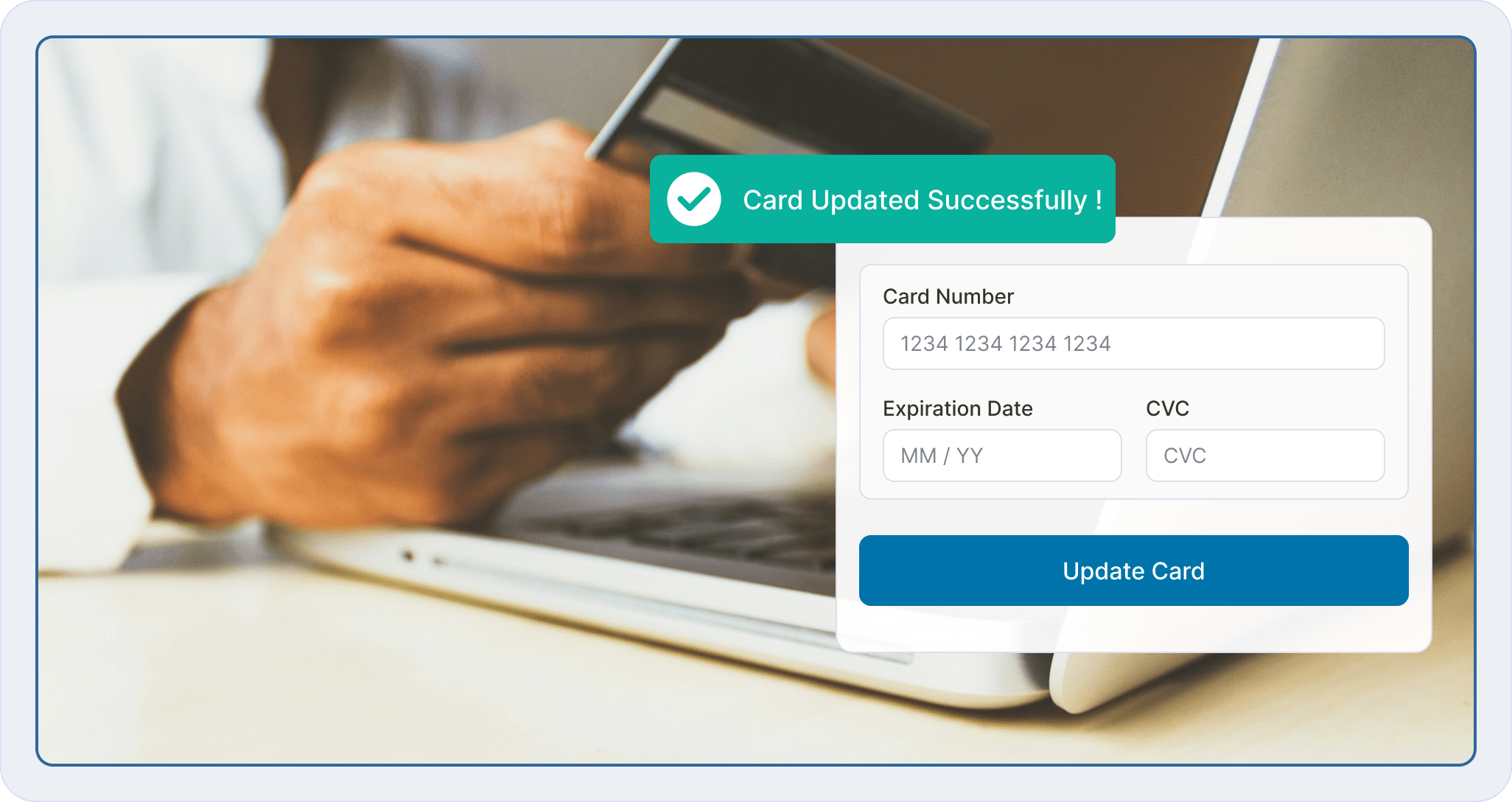
The Frictionless Way to Recover Failed Subscription Payments
When cards expire or get declined, churn spikes and most customers never log in to fix it. Sublium’s card updater sends a secure link to update payment details instantly, no password or login needed.
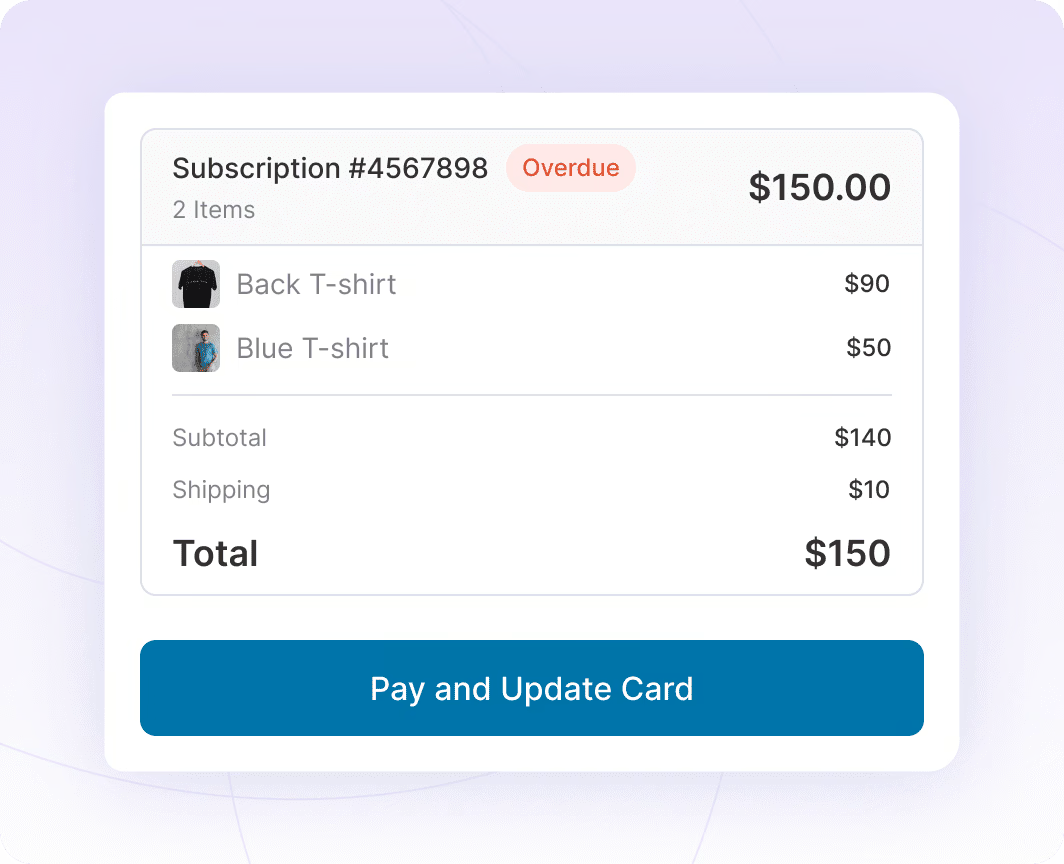
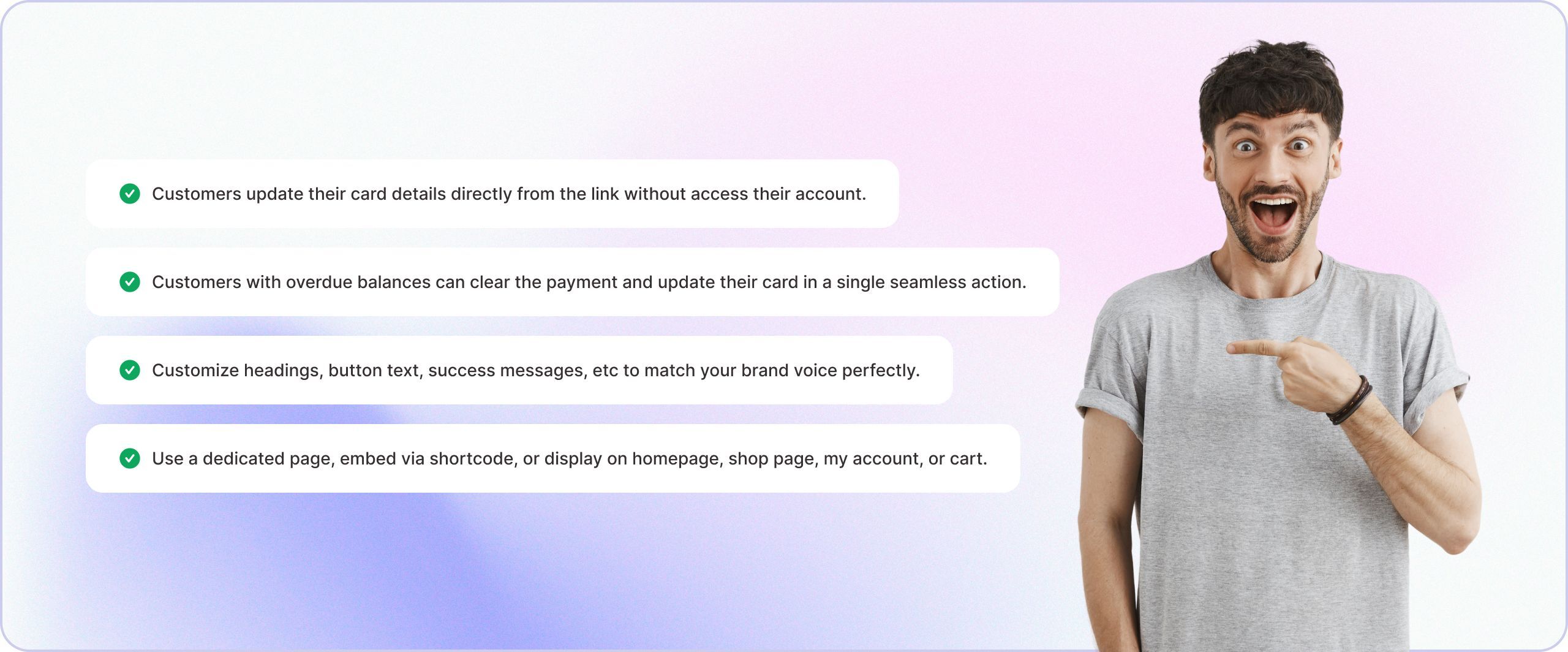
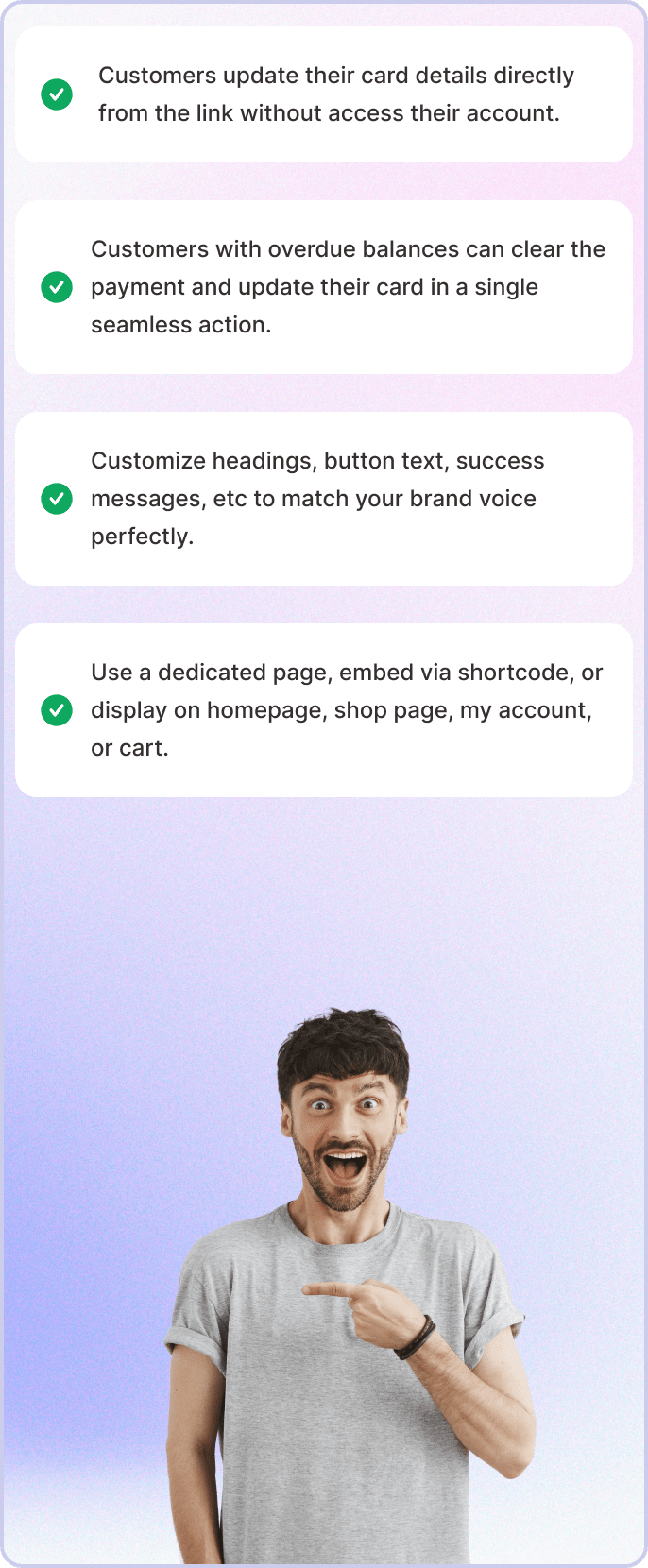
Update Cards and Pay Overdues in One Step
Update Cards and Pay Overdues in One Step
Embed the Card Update Form Anywhere
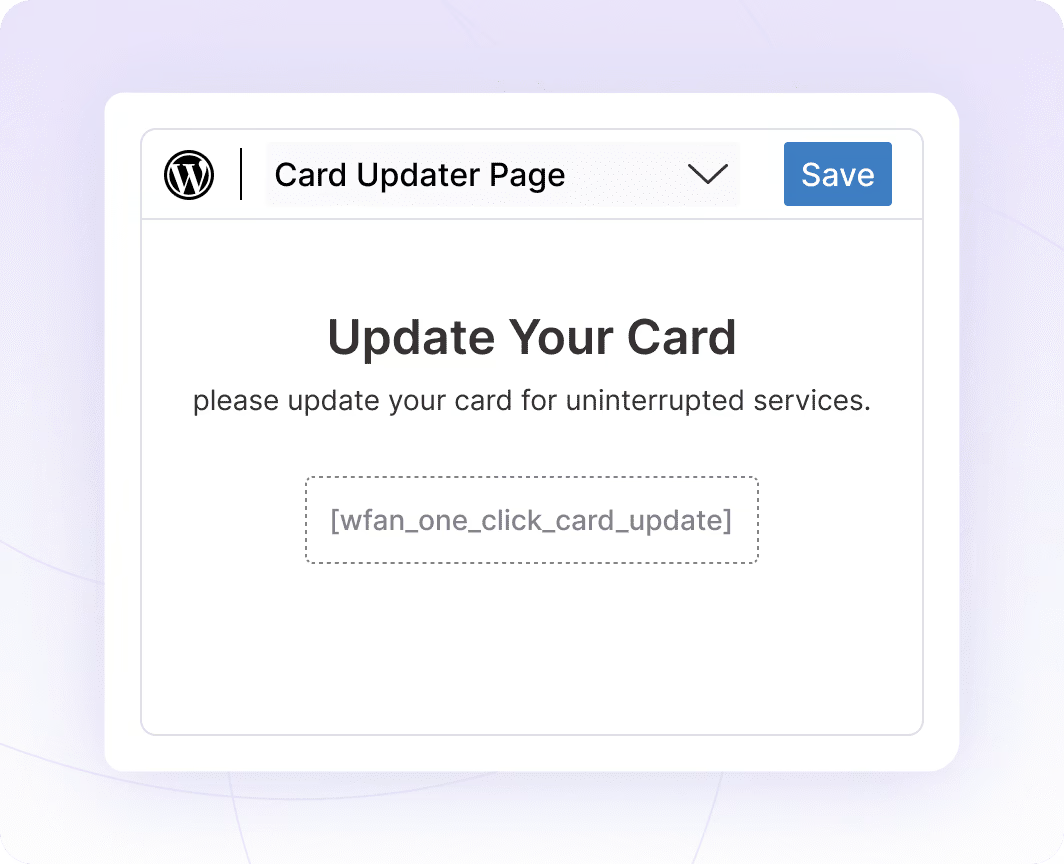
Embed the Card Update Form Anywhere
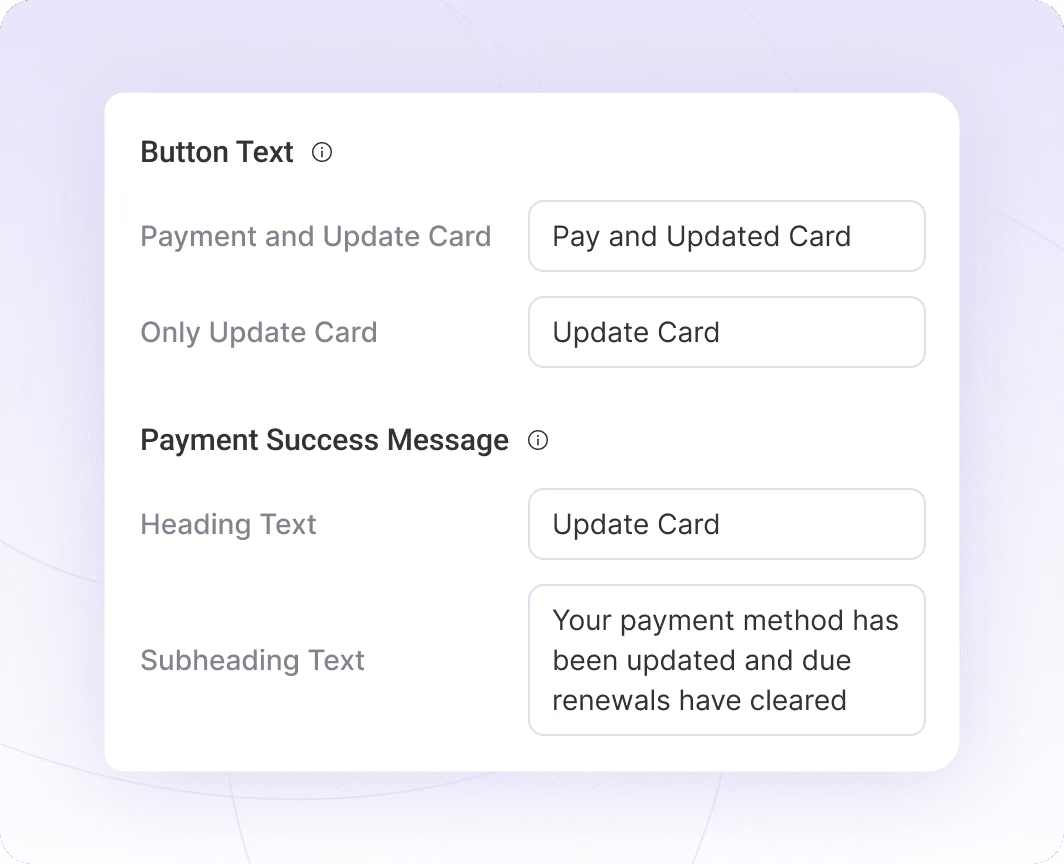
Brand Your Card Update Experience
Brand Your Card Update Experience
Works Seamlessly with Caching Solutions
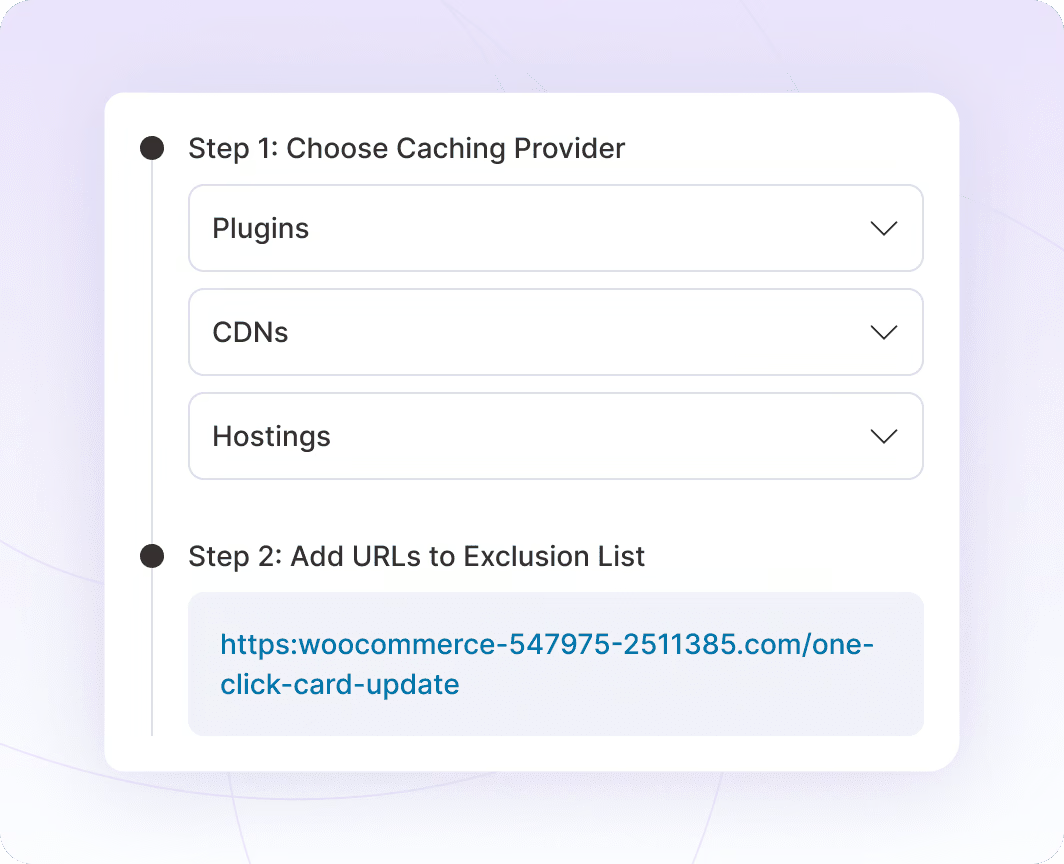
Works Seamlessly with Caching Solutions
Finally, a Card Update Process Your Customers Won’t Hate

Zero Login Friction

Recover Revenue Faster

Secure Processing

Fully Branded Experience

Smart Cache Handling
Turn Failed Payments Into Recovered Revenue
Every failed payment is revenue at risk. Instant Card Updater makes it effortless for customers to fix payment issues, dramatically increasing your recovery rate and protecting your recurring revenue.
Integrate with Major Gateways for Recurring and One-Time Payments




Client Feedback That Speaks for Itself


I run a subscription-based WooCommerce business with over 1,200 active subscribers/subscriptions, so moving from WooCommerce Subscriptions to a new subscription platform was not something I took lightly. This was not a small test site — recurring renewals are a major part of my business, and protecting existing subscribers was my top priority.
The Sublium team handled the migration with a lot of care. They helped review my existing WooCommerce Subscriptions setup, worked through staging-site challenges, tested renewals, upgrades, failed-payment/dunning flows, Stripe, and PayPal, and made sure the migration was handled carefully before moving forward.
What impressed me most was the level of support. Sam, Pratik, and the migration team were responsive, patient, and willing to work through every concern I had. This was extremely important because my existing subscribers are the foundation of my business.
So far, I am very happy with the switch. The product feels like a real step forward for WooCommerce subscription stores, especially if recurring revenue and renewal recovery are important to your business.
Highly recommended for serious WooCommerce subscription businesses.
This plugin is fantastic. It’s a fraction of the cost of the other subscription payment plugins and it has every single feature that I could possibly need. It also has one of the absolute best support and development teams that I have ever encountered in a wordpress plugin. I have sent in a few integration requests and the team built them overnight and implemented them for me. It’s completely unheard of.
I have tried every subscription plugin… for some I have waited a week for support when things broke. I’m so appreciative of Sublium and the team behind it that I upgraded to a package that I don’t even need. This thing is awesome… it’s saving me money while making me money. I can’t recommend it highly enough.
Ready to Grow Faster?
Without Sublium
- Wasting time, increasing errors
- Just basic tools
- Frustrated customers
- No loyalty or engagement
- Poor retention features
Result:
Lose Time and Money

- Increase Repeat Purchases by 20%
With Sublium
- Boost retention
- Consistent growth
- Single powerful solution
- Skip, swap, and reschedule options
- Customer-first portal
Result:
Faster Business Growth
Got Questions? We've Got the Answers!
Do customers need to log in to update their card?
Can customers update cards for multiple subscriptions at once?
How do customers receive the card update link?
Can I customize what the card update page looks like?
How is this different from the default WooCommerce card update process?
By default, WooCommerce requires customers to log in, navigate to “My Account”, find their subscriptions, click through to payment methods, and update their card often 5-7 steps.
In comparison, Sublium reduces this to one click and one form. The difference in completion rates is dramatic.
Is there a limit to how many times a customer can use the update link?
This unique secure link remains valid until the customer successfully updates their payment card or until you manually expire it. Customers can try multiple times if their first card doesn’t work, ensuring they can always get back to an active subscription.
What happens after a successful credit or debit card update?


Ready to Transform Your Subscriptions?
- Sell physical or digital products on recurring plans
- Offer flexible billing cycles, trials, and discounts
- Automate renewals and reduce churn with dunning management

