6 Best WooCommerce Installment Payments Plugins
A WooCommerce installment payment plugin only earns its spot if it does one job well: split a purchase into payments and actually collect every one. High prices kill sales before they close. A shopper loves the product, opens checkout, sees the full total, and bounces. Splitit found 35% of shoppers are more likely to buy online when a store offers interest-free monthly installments. We tested over 13 plugins and put together the best 6 WooCommerce installment payment plugins with the important details so you can choose the right one for you. Quick Comparison Of Best WooCommerce Installment Payment Plugins PluginBest ForFree AvailableStarting PriceAuto-Charges InstallmentsSublium SubscriptionsHigh-ticket installments
Sep 10, 2026
Editorial Team
5 Best WooCommerce Subscriptions Alternatives (Free and Premium)
More WooCommerce store owners are shopping for a WooCommerce Subscriptions alternative these days, and not for one single reason. Some want a lower price than the official plugin’s $279/year. Some want a genuine free version to test on before committing. Others just want more built-in retention tools, payment recovery, and analytics, without stacking three separate plugins to get there. We looked at more than a dozen WooCommerce-native subscription plugins. Five held up under real scrutiny, on features, free-tier depth, and real user feedback, not just a features page. In this blog, you can find a detailed comparison of the 5 best WooCommerce subscription alternatives. Quick Comparison
Aug 3, 2026
Editorial Team
WooCommerce Memberships and Subscriptions: How to Combine Them for Recurring Access
WooCommerce memberships and subscriptions are two different tools that store owners often confuse. Memberships control who can access your content, products, or perks. Subscriptions handle recurring payments on a fixed schedule. They sound similar because both involve ongoing access, but they solve different problems. The confusion matters because choosing the wrong one can lead to broken access, manual billing, or members who never get charged again. Most stores that sell recurring access actually need both to work together. In this guide, we will explain the difference between memberships and subscriptions in plain terms. We will show you how the two work together to create recurring membership
Jun 24, 2026
Editorial Team
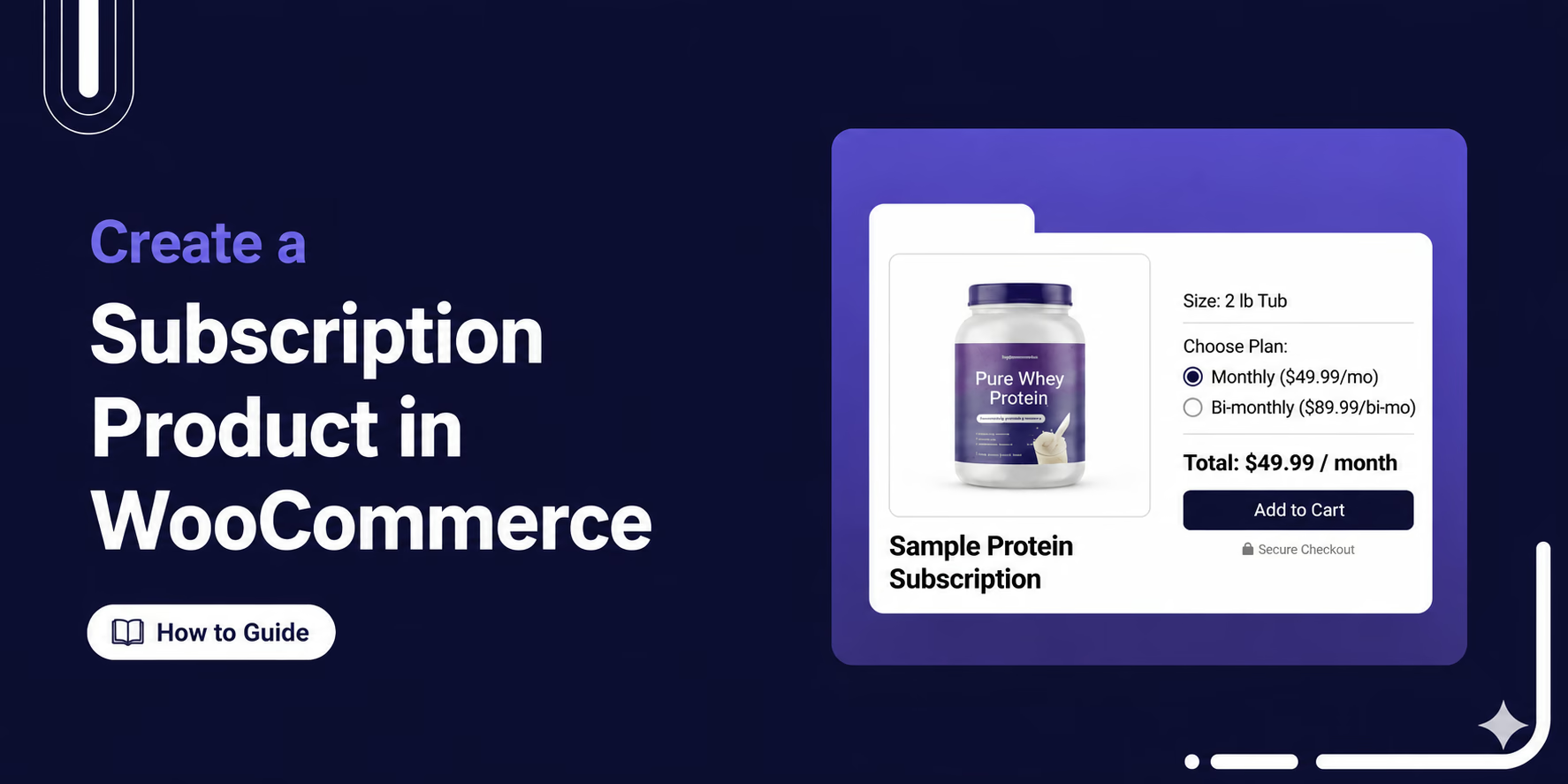
How to Create a Subscription Product in WooCommerce With Recurring Payments
One customer. One acquisition cost. Ongoing revenue that keeps coming back. Creating a subscription product in WooCommerce is one of the most effective ways to turn one-time buyers into a predictable, recurring source of revenue. This isn’t just about convenience. It gives you a stable, predictable income that makes it easier to plan and grow your business. The only catch is that WooCommerce doesn’t support subscriptions out of the box. But with the right plugin, you can set up a subscription product in minutes. In this blog, we’ll show you how to create a subscription product in WooCommerce, set up multiple pricing plans, and start building
May 21, 2026
Editorial Team
WooCommerce Subscription Email Notifications: A Complete Guide
WooCommerce subscription email notifications are automated emails that your store sends whenever something happens with a customer’s subscription, such as a successful renewal, a failed payment, or a cancellation. But these emails do much more than simply send updates. They keep subscribers informed, engaged, and confident throughout their entire subscription journey. That matters more than most store owners realize. A huge chunk of subscription churn happens involuntarily when cards expire, payments fail, and no one follows up. The difference between recovering that revenue and losing that customer often comes down to one thing: did the right email go out at the right time? In this guide,
May 18, 2026
Editorial Team
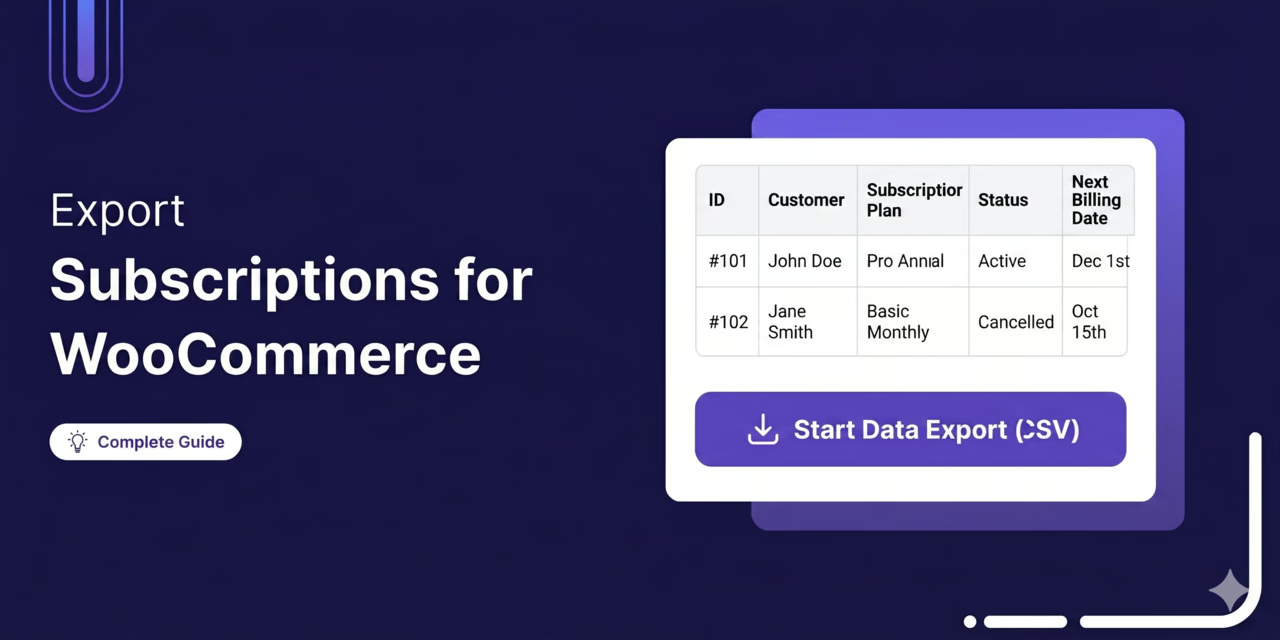
How to Export WooCommerce Subscriptions (Step-by-Step Guide)
Do you want to export your WooCommerce subscription data? Whether you need a CSV of active subscribers for your email platform, full data for migration, or a filtered export for your accountant to file taxes, this guide covers everything. Here, we’ll show you how to export WooCommerce subscriptions using two methods. A plugin and direct SQL queries, the REST API, and WP-CLI. We will walk you through every subscription field you can export and share best practices to keep your exports clean, GDPR-compliant, and safe to use for migration or reporting. Why Export Your WooCommerce Subscriptions? A WooCommerce subscription export, sometimes called a subscription data export,
Apr 21, 2026
Editorial Team
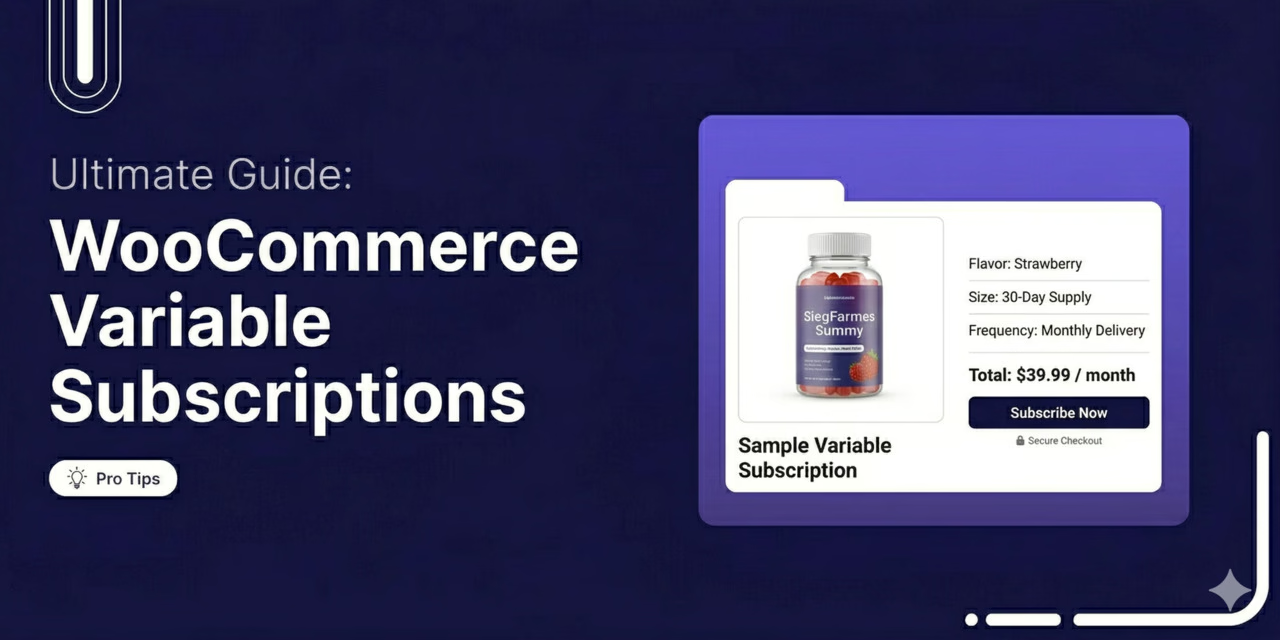
WooCommerce Variable Subscriptions: How to Create and Manage Them
Want to sell a subscription but need to offer a few different options? Maybe a basic tier and a premium tier, or monthly versus annual billing. That’s what a WooCommerce variable subscription is for. Rather than cluttering up your shop page with a bunch of different listings for the same basic service, you just build one product. The customer selects their preferred item from available options. For store owners, that flexibility means higher conversions, lower churn, and more predictable recurring revenue. But the problem is that WooCommerce can’t handle recurring payments on its own. You’re going to need a subscription plugin. In this guide, we will
Apr 2, 2026
Editorial Team
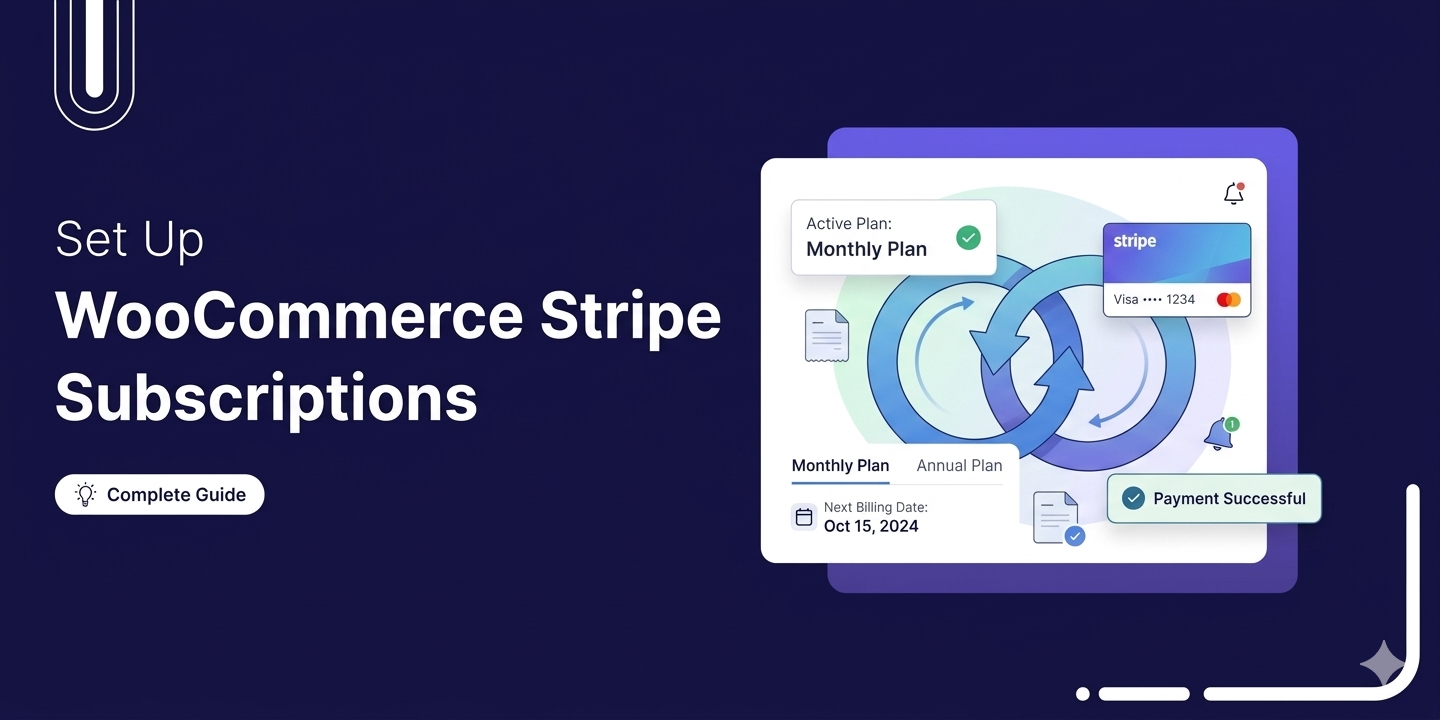
WooCommerce Stripe Subscriptions: How to Set Up Recurring Payments
WooCommerce Stripe Subscriptions lets you automatically charge customers on a recurring schedule using Stripe. Whether you run a membership site, sell subscription boxes, offer SaaS products, or any business built on recurring revenue, this setup collects payments weekly, monthly, or yearly without manually processing renewals or chasing customers for their credit card details. The problem is that WooCommerce alone does not include subscription functionality. Stripe can process recurring payments, but it cannot track when to charge, how much to charge, or which customer to bill. To make subscriptions work, you need a subscription management plugin that integrates WooCommerce with Stripe and handles all the recurring billing
Mar 27, 2026
Editorial Team
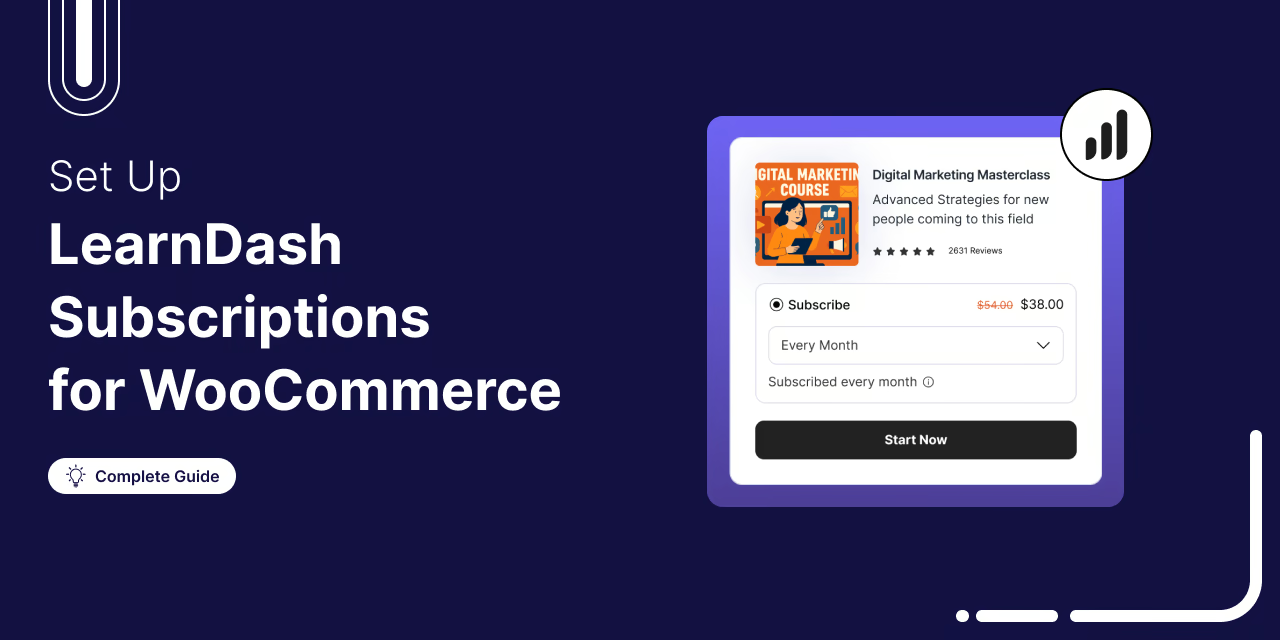
LearnDash Subscriptions for WooCommerce: The Complete Guide to Selling Courses on Autopilot
Getting people to buy a course once is great. Getting them to pay you every month is a lot better. That’s exactly where LearnDash subscriptions in WooCommerce come into play. Connecting LearnDash’s powerful course-building tools with WooCommerce’s flexible subscription system, you charge learners on a recurring basis, manage access when a subscription lapses or renews, and prevent cancellation or churn. In theory, it’s a brilliant setup. In practice, getting these two massive plugins to play nicely takes some work. If you mess up the access logic or misconfigure the gateway, you might accidentally grant lifetime access to someone who immediately canceled their trial. In this guide,
Mar 23, 2026
Editorial Team